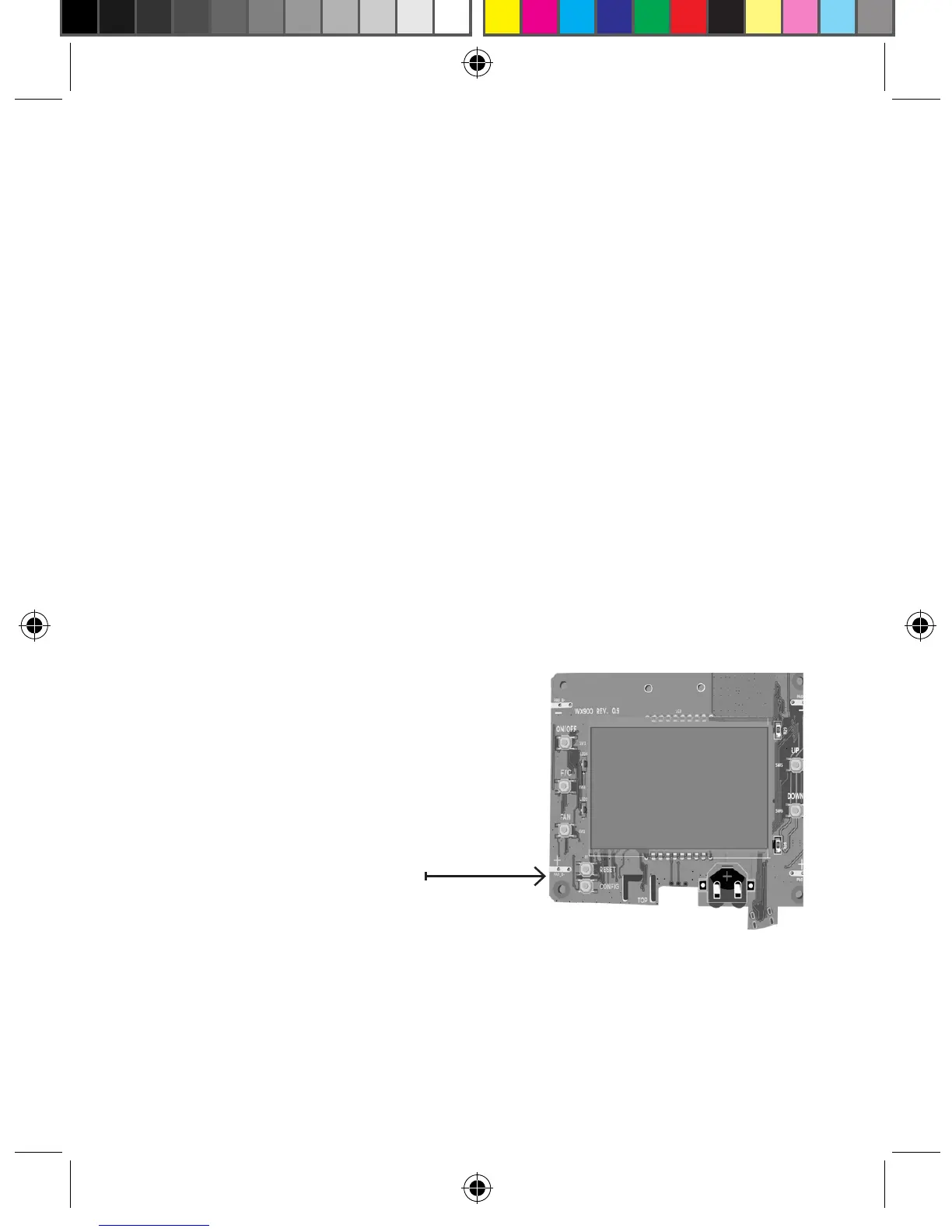
NOTE: You can access Wall
Controller Conguration settings
at any time by pressing the
“Conguration” button.
NOTE: If the Wall Controller is connected to a network, the equipment and the
energy saving settings congured on the Wall Controller will be ignored and the
settings congured on the Remote Management
Website will be applied.
CONFIGURATION
BUTTON
15
Wall Controller Conguration
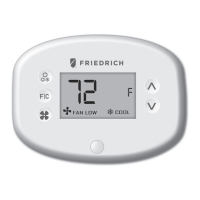
Once the Wall Controller is powered, Wall Controller conguration settings will
appear on the Wall Controller screen.
In order to properly operate the VRP unit:
• Set the Wall Controller clock;
• Enter the room number;
• Select Energy Savings Preset;
The Wall Controller conguration screens have a 3-minute time-out. If no action
is taken within three (3) minutes, the Wall Controller will exit conguration
settings.
NOTE: If the Wall Controller is connected to a network, the equipment settings
congured on the Wall Controller will be ignored and the Wall Controller settings
congured through the network will be applied.
VPXEMWRT2-Thermostat Manual_pkg.indd 15 2017-12-15 3:37 PM



 To Next Page