21
Using the Wall Controller Settings Screens
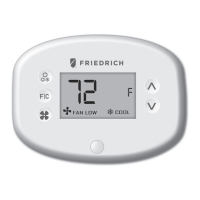
• Use the “Up” and “Down” buttons to change the setting;
• Press the “F/C” button to advance to the next setting;
• Press the “Fan” button to return to the previous setting;
• Press the “Power” button to save and exit Wall Controller settings;
Custom Energy Savings Settings
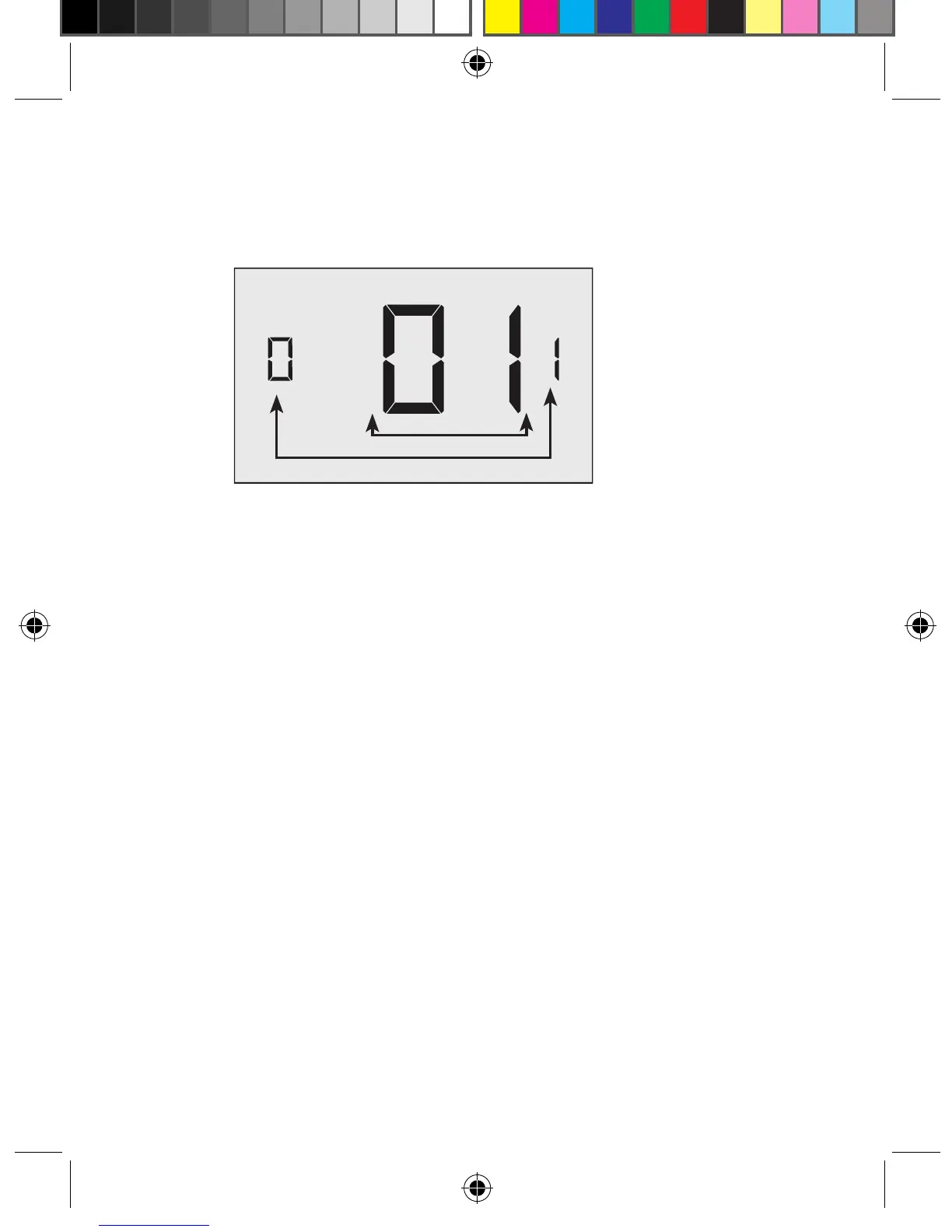
SCREEN NUMBER
SETTING VALUE
VPXEMWRT2-Thermostat Manual_pkg.indd 21 2017-12-15 3:37 PM



 To Next Page