18
Wall Controller Conguration
Conguring the Energy Savings Settings
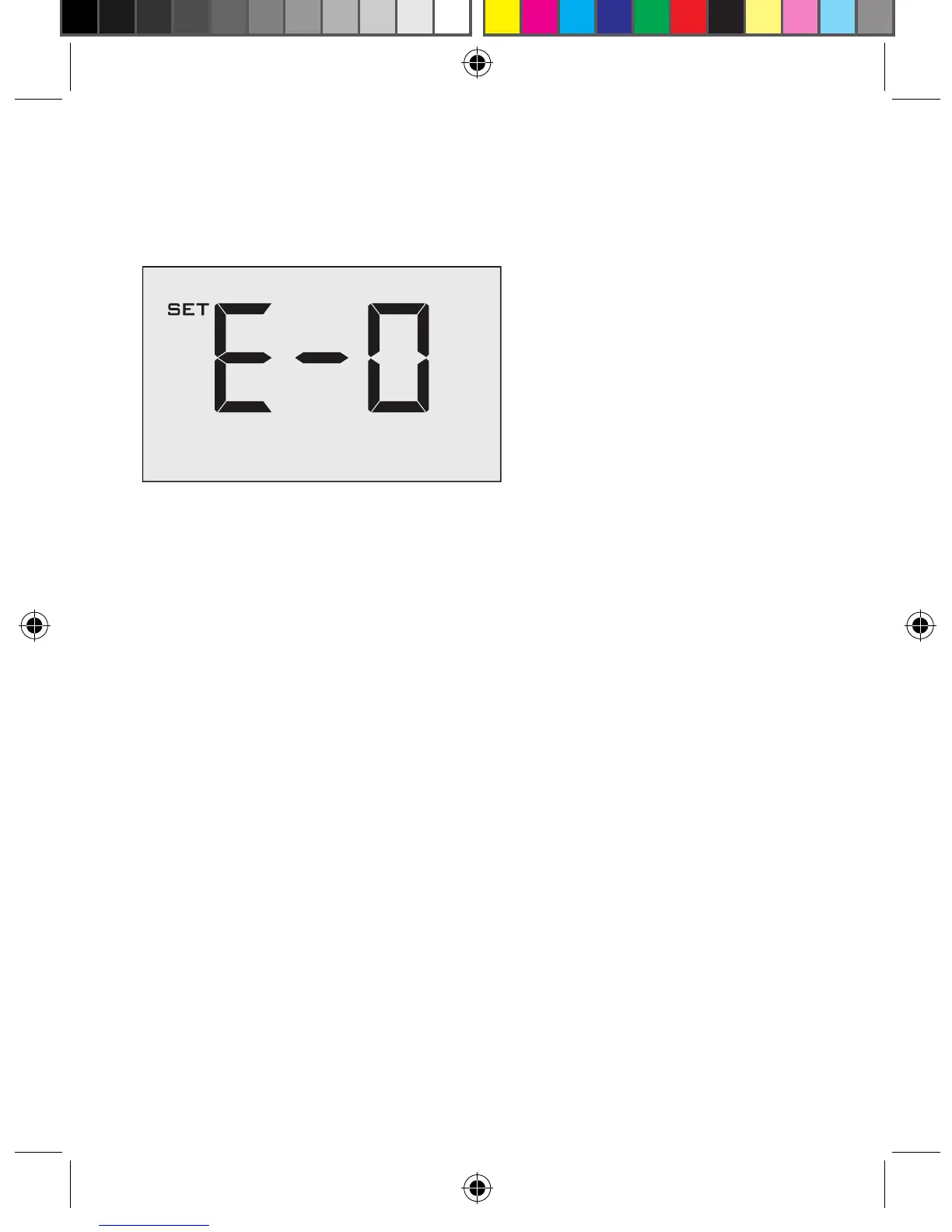
Use the “Up” and “Down” buttons to select the Energy Saving preset:
E-0* Energy Savings Off - No Temperature Setback;
E-1 Lowest Energy Savings;
E-2 Lower Energy Savings;
E-3 Standard Energy Savings;
E-4 Higher Energy Savings;
E-5 Highest Energy Savings;
Refer to the APPENDIX 1 for Energy Saving Preset details.
E-C Indicates “Custom Energy Savings Settings” in case the active
Wall Controller savings settings differ from any Energy Saving preset;
For details, refer to the “Custom Energy Savings Settings” section;
Press the “Power” button to save the Wall Controller Conguration and start
using the Wall Controller;
* Indicates default setting;
VPXEMWRT2-Thermostat Manual_pkg.indd 18 2017-12-15 3:37 PM



 To Next Page