EasyManua.ls Logo

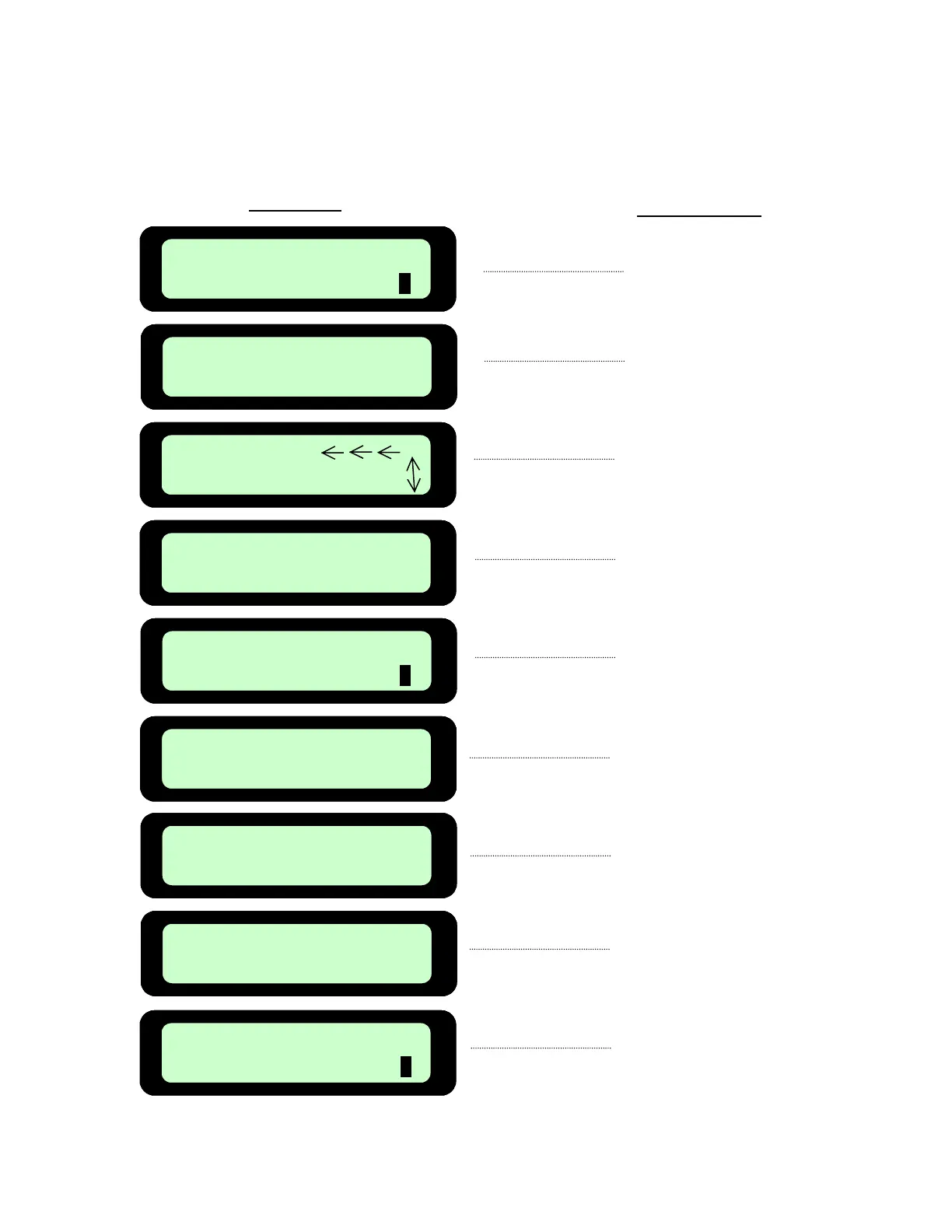
Friendly Robotics robomower RL1000 - Calibrating Sequence

Friendly Robotics robomower RL1000
76 pages
Print Icon
To Next Page IconTo Next Page
To Previous Page IconTo Previous Page
Loading...
Press GO
Calibration Req
Press GO
Dock Zone: MAX
Not Set!
Scroll
Set Country
Press GO
Test Passed
Press C
Activate Motors
Press GO
Press GO
Dock Zone MAX
USA
Confirm
Press GO
Dock Zone: MAX
Press GO
Calibration Req
Press GO
Dock Zone: MAX
Not Set!
Scroll
Set Country
Press GO
Test Passed
Press C
Activate Motors
Press GO
Press GO
Dock Zone MAX
USA
Confirm
USA
Confirm
Press GO
Dock Zone: MAX
LCD Displa
y
A
ction Required
Fi
g
ure 2.10
Calibratin
g
Sequence
Press ‘
GO
Press ‘
GO
Scroll up or down to
find your country
Press ‘
GO’
to confirm
selection
Press ‘
GO
Press
GO
Press ‘
GO’
.
Process will
begin and last 1-2
minutes.
Press
‘C
button
Ready for mowin
g
34

Table of Contents

Other manuals for Friendly Robotics robomower RL1000

Related product manuals