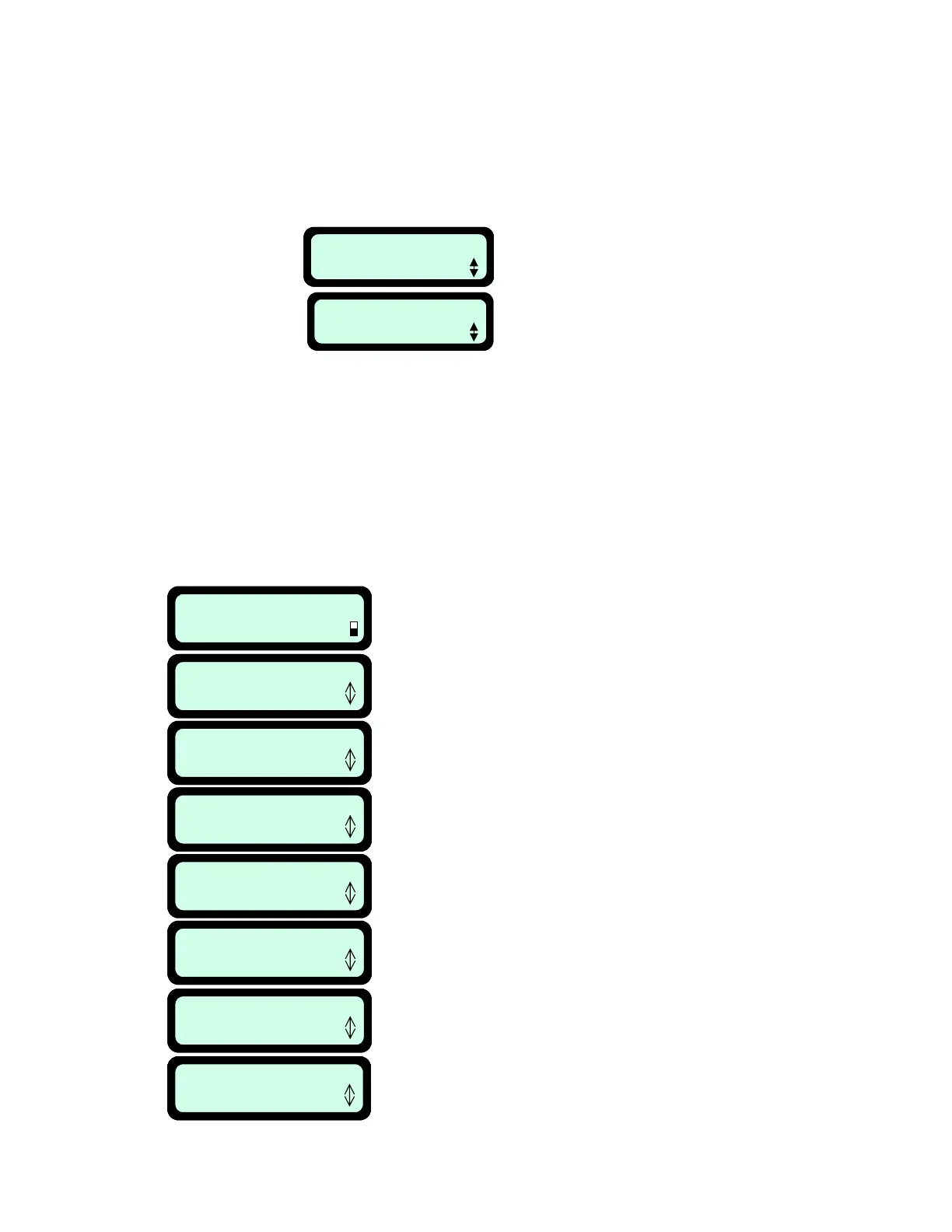
Dock Zone: MAX
Press GO
6.2.1.1 Work Time
Allows the user the option of setting the operating time from the ‘MAX’ default setting to times
ranging from 20 minutes up to 2:40 hours. Figure 6.5. This option is available for up to 4 different
zones, Dock Zone, Zone B, C or D. Having four different zones can allow you to set operating time
for several different zones that are of varying sizes, not requiring the same operating time for
mowing.
Note: for Dock zone it is possible to set different work time per operation when setting the
automatic weekly program (refer to section 4.2 – Setting the weekly program).
Scroll to select
different zones.
Fi
ure 6.5
Scroll to select different operating
times. Times range from: 20
minutes to 2:40 hours to ‘MAX’
Dock Zone: 2:00
Press GO
6.2.1.2 Learn Edge
This menu option is used in non-Charging zone only. The default distance for edge mowing is
approximately 1.5 to 2 rounds around the perimeter. This feature allows the user to learn a specific
distance in each operating zone in order to cause the mower to cut the edge a specific distance,
such as one full round. It will remain as a learned distance until the edge is re-learned or the factory
default edge is selected. It should be done when the Manual Controller is in the holder and flush
with the mower top. ‘Learn Edge’ gives you the ability to have the RoboMower learn the distance
around the edge. Figure 6.6.
• Position the RoboMower to start edge mowing and place the Manual Controller in its holder
Learning Edge
STOP to Set
User Options
Press GO
User Preferences
Press GO
Zones setup
Press GO
Dock zone
Press GO
Zone B
Press GO
Work time
Press GO
Learn edge
Press GO to learn
Learning Edge
STOP to Set
Learning Edge
STOP to Set
User Options
Press GO
User Preferences
Press GO
Zones setup
Press GO
Dock zone
Press GO
Zone B
Press GO
Work time
Press GO
Learn edge
Press GO to learn
• Follow the steps described in Figure 6.6 to begin the process
Use the ‘Up’
or ‘Down’ ⇓ arrow keys to scroll
to the ‘User Options’ display and press ‘GO’.
Press ‘GO
Press ‘GO
Scroll down to the zone you
want to learn the edge distance
Press ‘GO’
Scroll down once to
‘Learn edge’ option
Press ‘GO’
Driving around perimeter. Follow the
mower and press the ‘Stop’ button when
the desired distance has been reached.
Fi
ure 6.6
53








 To Next Page