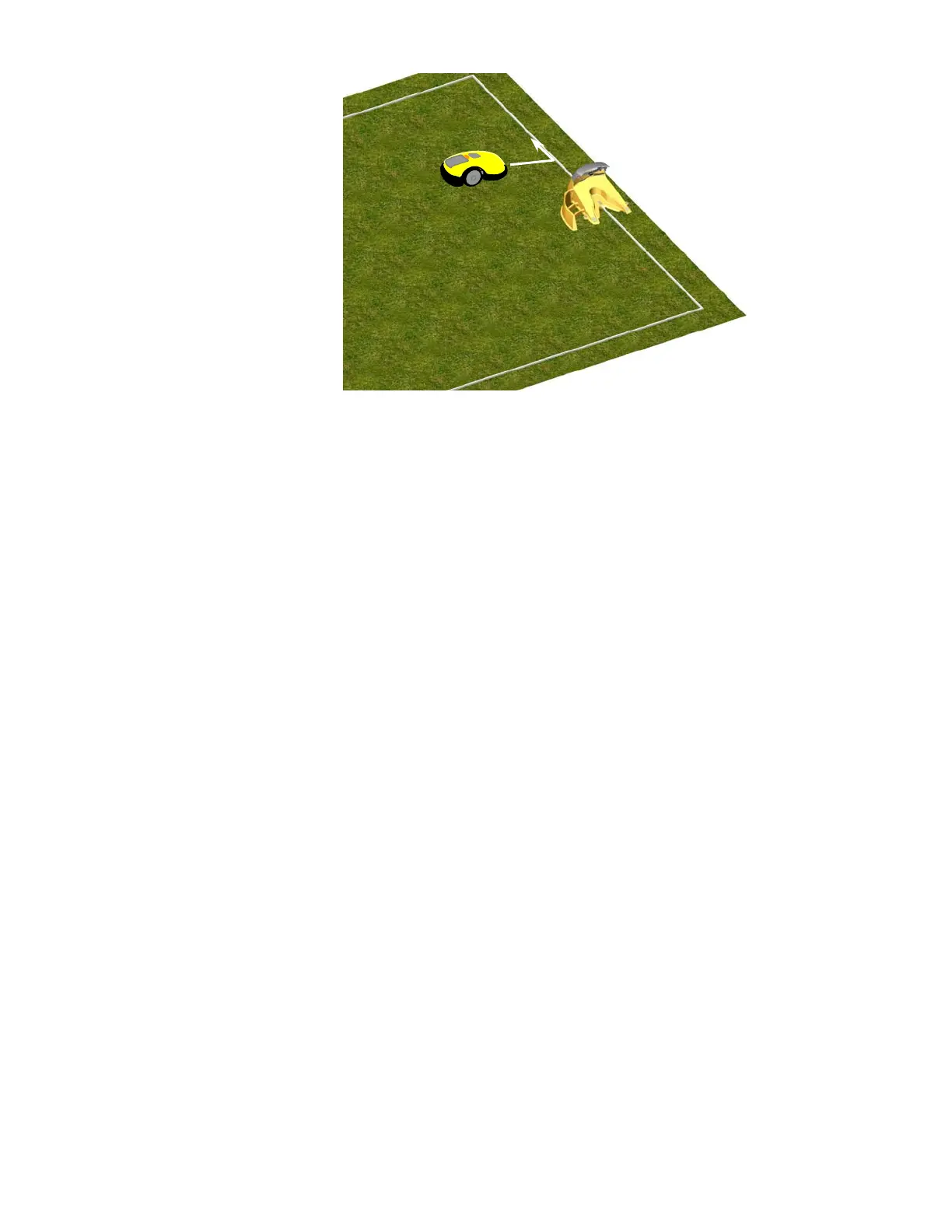
Press the upper scroll arrow once for the ‘Go to dock’ option and press ‘GO’.
Walk along the side of the RoboMower while it is following the edge. At any point where the mower
position is too far to the outer edge of the lawn area, note this area and slightly move the wire towards the
interior. For example, if the bumper of the mower is hitting the wall of your home while trying to mow the
edge, the wire is too close to this edge and needs to be positioned more towards the interior of the lawn,
and away from the wall. Conversely, if the mower is not mowing close enough to fixed objects like walls or
fully onto adjacent and level areas such as a driveway, the wire needs to be positioned farther from the
interior of the lawn, out towards the wall or driveway. Reposition the wire along each section where a
change needs to be made, usually moving it only a little each time, and then test the edge mowing in this
area once again.
Repeat this process for the entire edge until it can complete the perimeter without striking any object and
you are satisfied with the cutting distance over onto adjacent level areas.
Once complete, walk back along the perimeter and add in wire pegs to those areas of the wire where it is
not pulled down below the level of the grass tips and close to ground level.
Position the RoboMower
towards the wire, after the
Charging station
Fi
ure 2.12
Testin
the Perimeter Wire Position
36








 To Next Page