Address: Room 1705,Block A1, Longyuan Plaza, Longkouxi Road, Guangzhou, China, 510640 Website: http://www.arm9.net
Sales: +86-20-85201025 Tech Support: +86-13719442657 Fax: +86-20-85261505
Email for Business and Cooperation: capbily@163.com Email for Tech Support: dev_friendlyarm@163.com
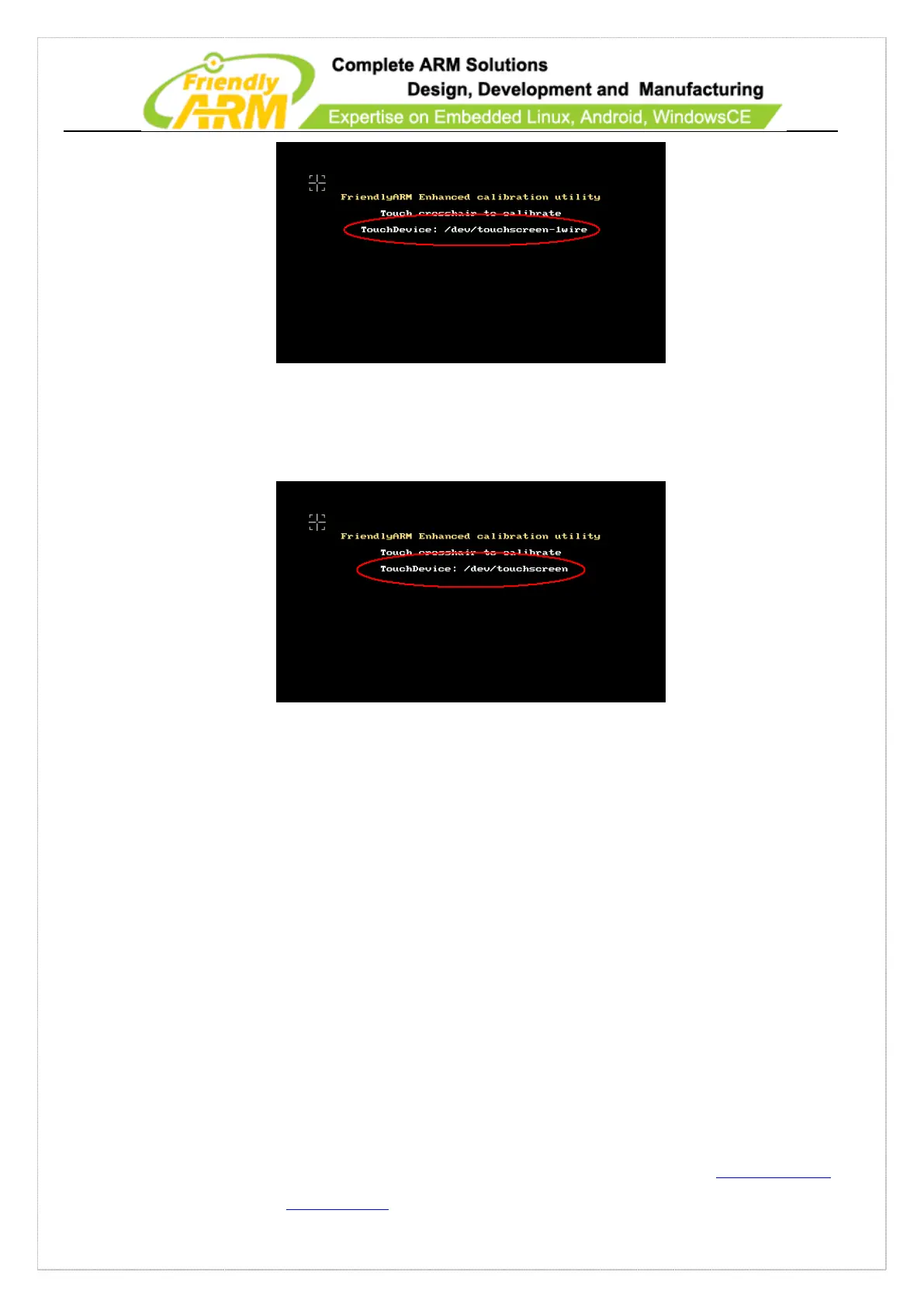
The following screen shows the system uses an ARM LCD: /dev/touchsreen (marked
in red)
Click on “+” and follow it to calibrate and you will enter the system after your
calibration is done. If you don’t position your pen properly the calibration process will
restart until you are done successfully.
5.2.2 Rotate Touch Screen
After Android 2.3 is loaded by default it will display horizontally. To switch to the
vertical presentation please long-press the menu key (k3) and it will rotate.



 To Next Page