Address: Room 1705,Block A1, Longyuan Plaza, Longkouxi Road, Guangzhou, China, 510640 Website: http://www.arm9.net
Sales: +86-20-85201025 Tech Support: +86-13719442657 Fax: +86-20-85261505
Email for Business and Cooperation: capbily@163.com Email for Tech Support: dev_friendlyarm@163.com
4.2.3 Notes to Users
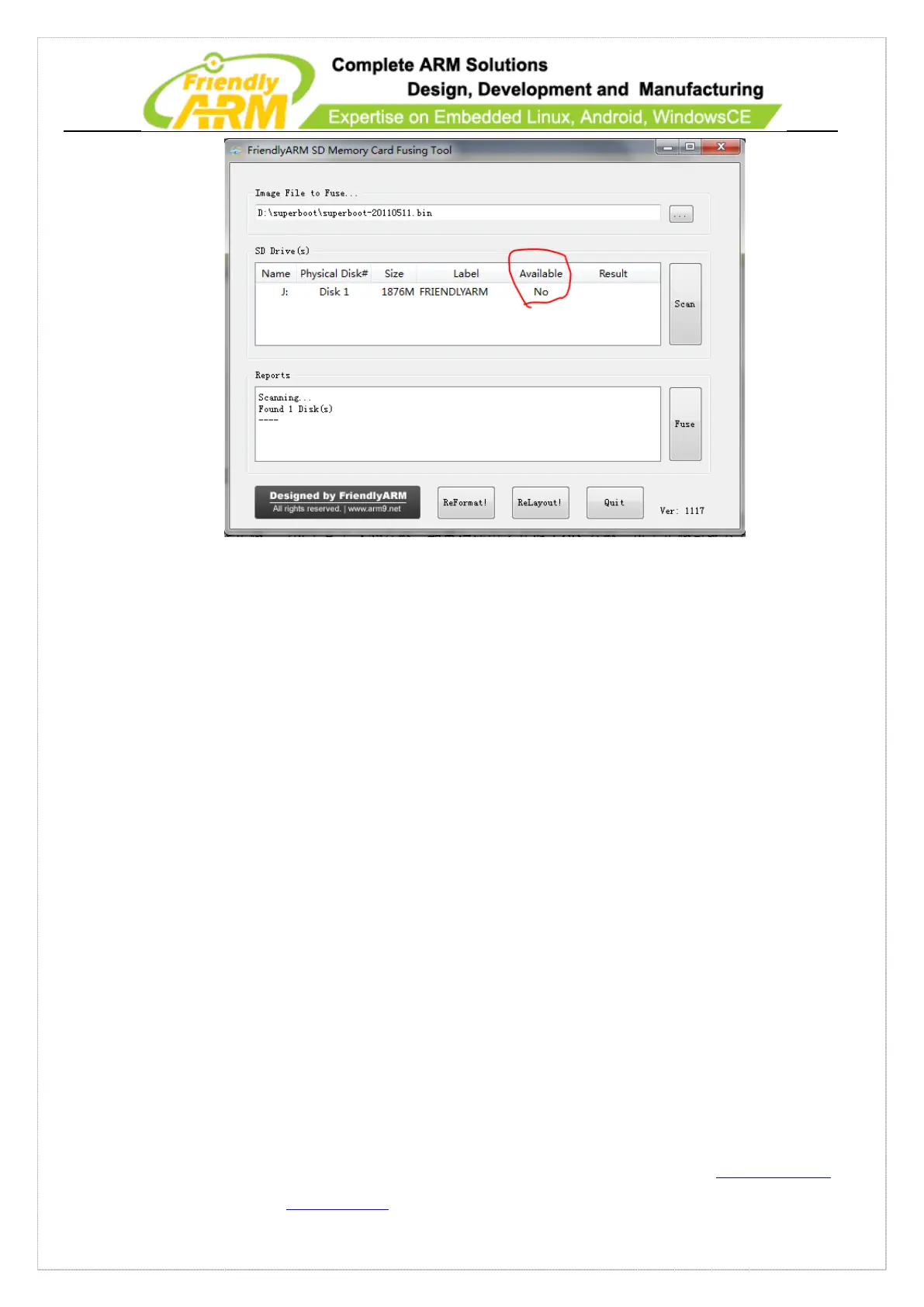
Common SD cards are used as storage cards therefore on Vista/Windows7
SD-Flasher automatically formats an SD card to two sections: one is FAT32 (named
“FriendlyARM”) and the other (by default 130M) reserved for the bootloader.
In fact, Vista/Windows7’s system security policies don’t permit unauthorized users to
start auto burning an SD card thus common users need to format the SD card first and
then burn data into it. For WindowsXP users we just set the burning mode to auto
burning, the same as what Samsung does
4.2.4 Configuring FriendlyARM.ini
When installing systems you will need the “FriendlyARM.ini” file. Its content is as
follows:



 To Next Page