Address: Room 1705,Block A1, Longyuan Plaza, Longkouxi Road, Guangzhou, China, 510640 Website: http://www.arm9.net
Sales: +86-20-85201025 Tech Support: +86-13719442657 Fax: +86-20-85261505
Email for Business and Cooperation: capbily@163.com Email for Tech Support: dev_friendlyarm@163.com
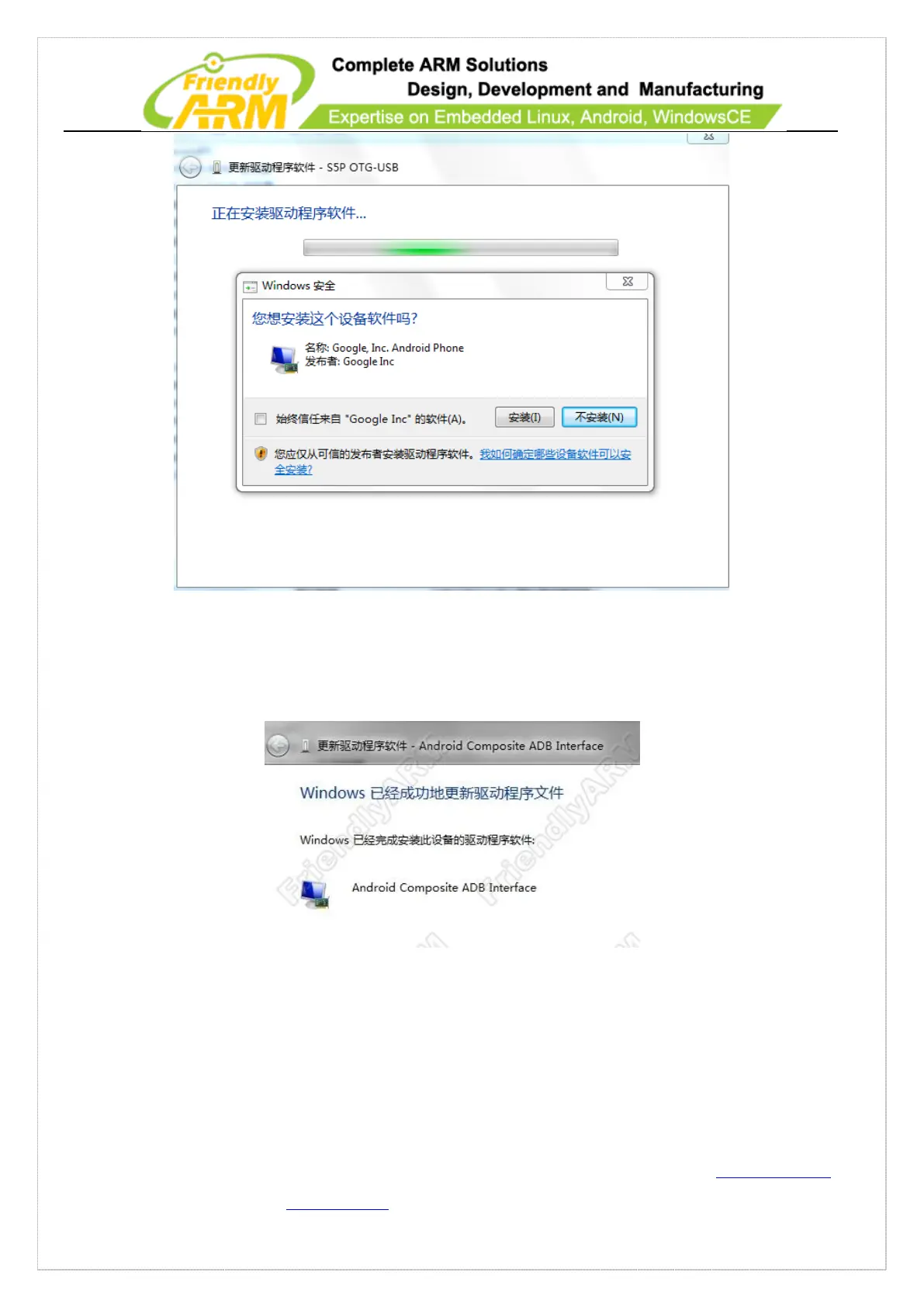
Click on the “Install” button on the above dialog and a moment later you will see the
following information which indicates that your installation is completed.
6.1.11.2 Test ADB on 210
6.1.11.3 Add ADB Commands to Path Environment Variable
Please follow the steps below to add the ADB path to the Path variable



 To Next Page