Address: Room 1705,Block A1, Longyuan Plaza, Longkouxi Road, Guangzhou, China, 510640 Website: http://www.arm9.net
Sales: +86-20-85201025 Tech Support: +86-13719442657 Fax: +86-20-85261505
Email for Business and Cooperation: capbily@163.com Email for Tech Support: dev_friendlyarm@163.com
6.1.2 Download and Install Android SDK
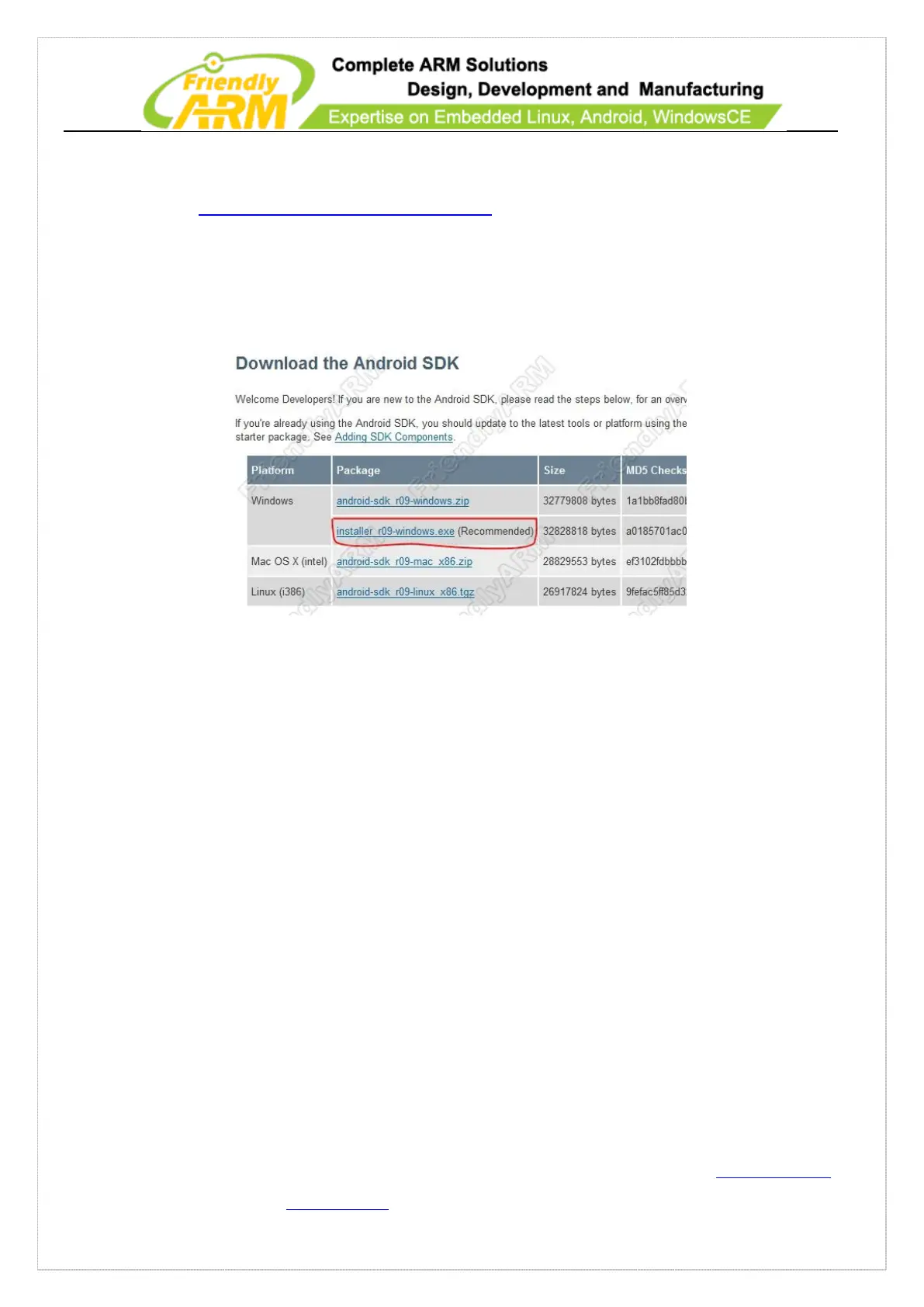
Please go to http://developer.android.com/sdk/ to download the latest Android SDK
for windows. Please download the program marked in red in the screenshot shown
below:
(Note: up till May 18, 2011, the latest version is installer_r11-windows.exe)
From the website users can get the latest version. You can also just use the one in
the shipped CD, which is “installer_r11-windows.exe” in the Android directory.
Double click on “installer_r11-windows.exe”, follow the prompt to install the
program in “C:\Program Files\Android\android-sdk” with the default options. After it is
completed the SDK manager will automatically start up.
Note: during the installation if it prompts that JDK cannot be found, you can go
“back” and “Next” to try again.
When the SDK Manager starts for the first time it will pop up a “Choose Packages to
Install” dialog asking users if there are available Packages to install. Just click on



 To Next Page