Address: Room 1705,Block A1, Longyuan Plaza, Longkouxi Road, Guangzhou, China, 510640 Website: http://www.arm9.net
Sales: +86-20-85201025 Tech Support: +86-13719442657 Fax: +86-20-85261505
Email for Business and Cooperation: capbily@163.com Email for Tech Support: dev_friendlyarm@163.com
Step30: Install “WinCEPB60-101231-Product-Update-Rollup-Armv4I.msi”. The
download address is
http://www.microsoft.com/download/en/details.aspx?displaylang=en&id=1127
10.1.3 Install Third Party Software Tencent QQ
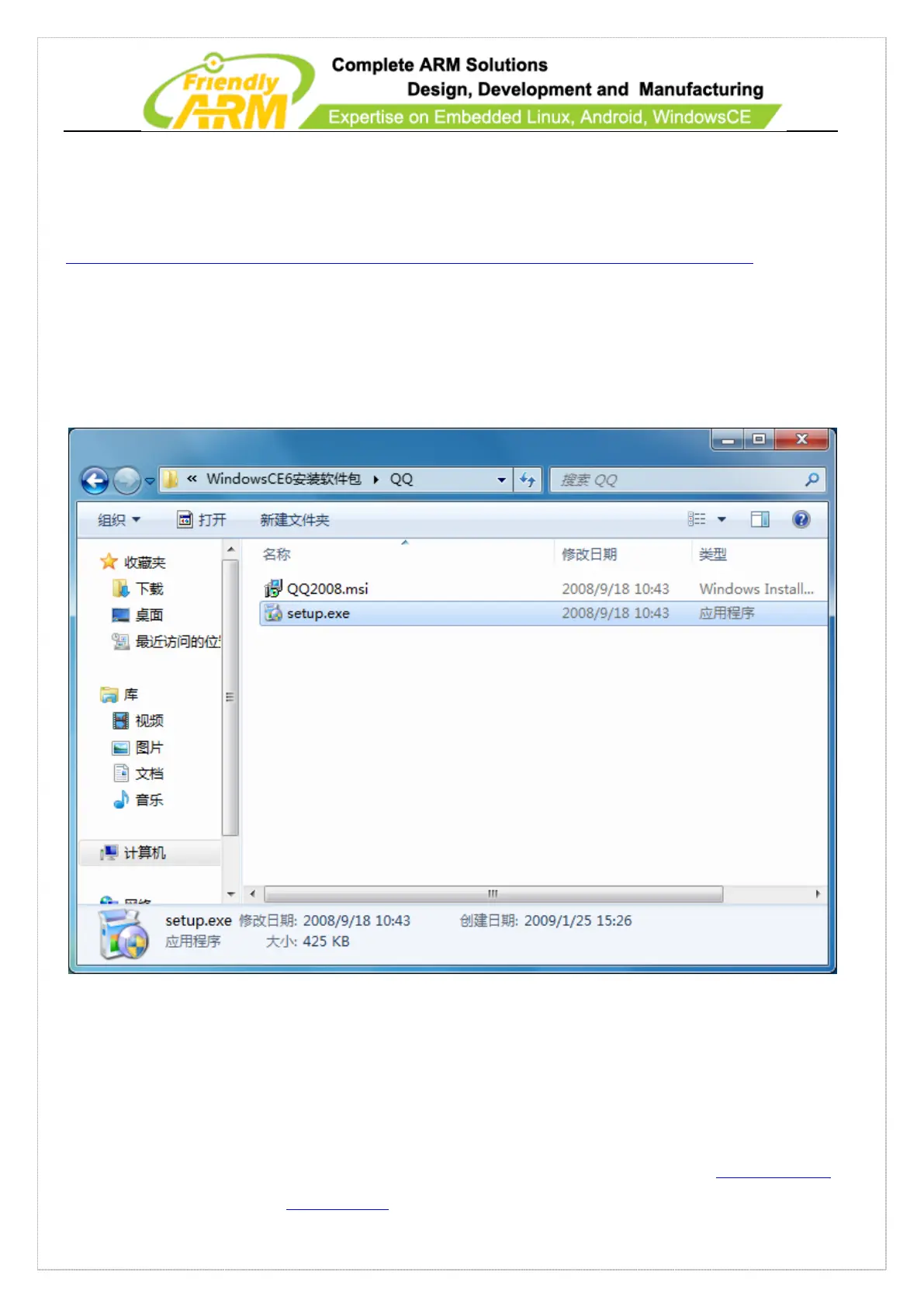
Step1: enter the QQ installation directory and double click on setup.exe to begin
installation
Step 2: click on “Next” to continue



 To Next Page