Address: Room 1705,Block A1, Longyuan Plaza, Longkouxi Road, Guangzhou, China, 510640 Website: http://www.arm9.net
Sales: +86-20-85201025 Tech Support: +86-13719442657 Fax: +86-20-85261505
Email for Business and Cooperation: capbily@163.com Email for Tech Support: dev_friendlyarm@163.com
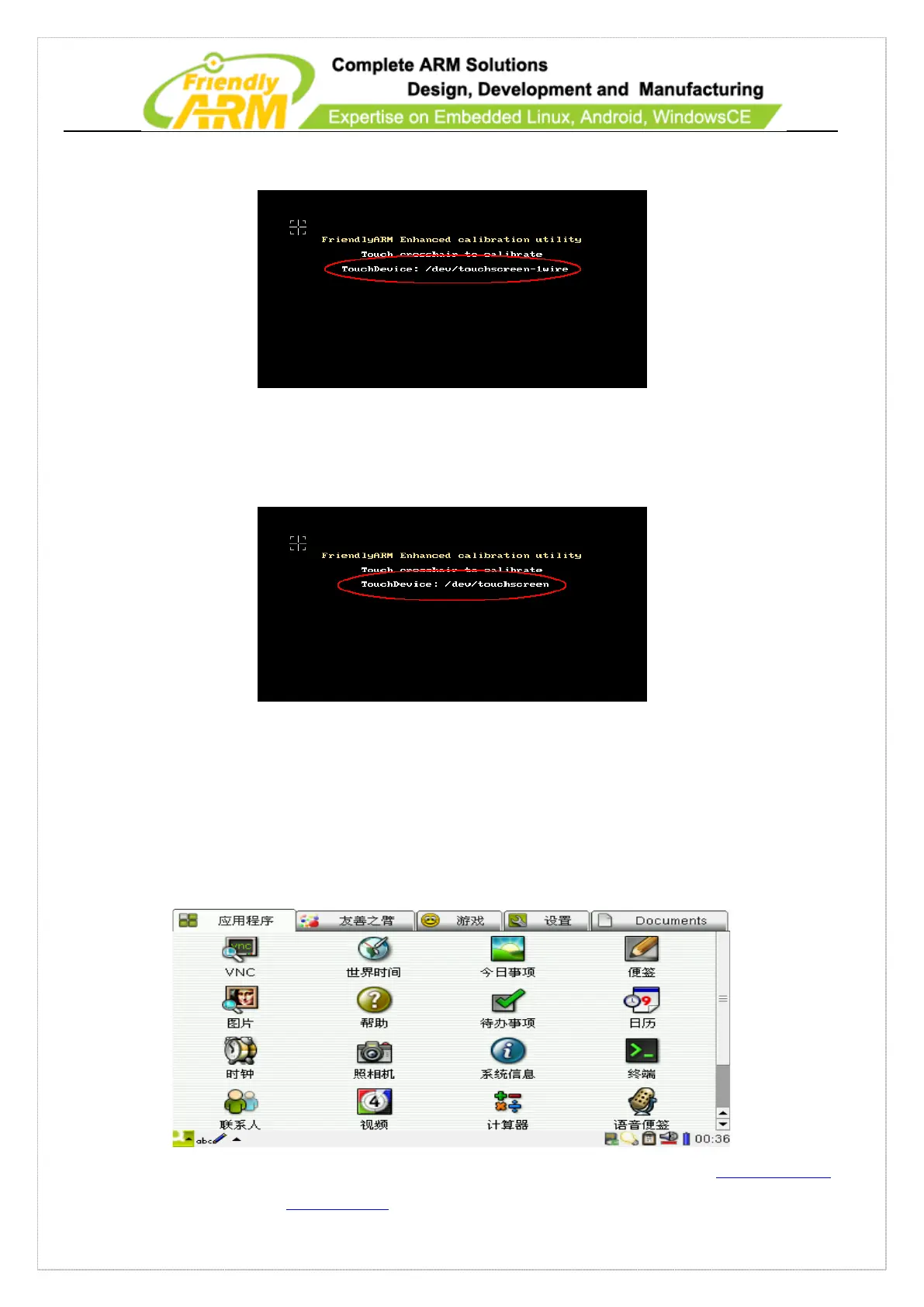
completely booted you will see the following screen:
The following screen shows the system uses an ARM LCD: /dev/touchsreen (marked in
red)
2. After enter the system go to “start->setting” and click on the “calibrate” icon you
will see the above screen too.
7.2.3 Introduction to Main Pages
After Linux qtopia is loaded you will see the following screen.



 To Next Page