Address: Room 1705,Block A1, Longyuan Plaza, Longkouxi Road, Guangzhou, China, 510640 Website: http://www.arm9.net
Sales: +86-20-85201025 Tech Support: +86-13719442657 Fax: +86-20-85261505
Email for Business and Cooperation: capbily@163.com Email for Tech Support: dev_friendlyarm@163.com
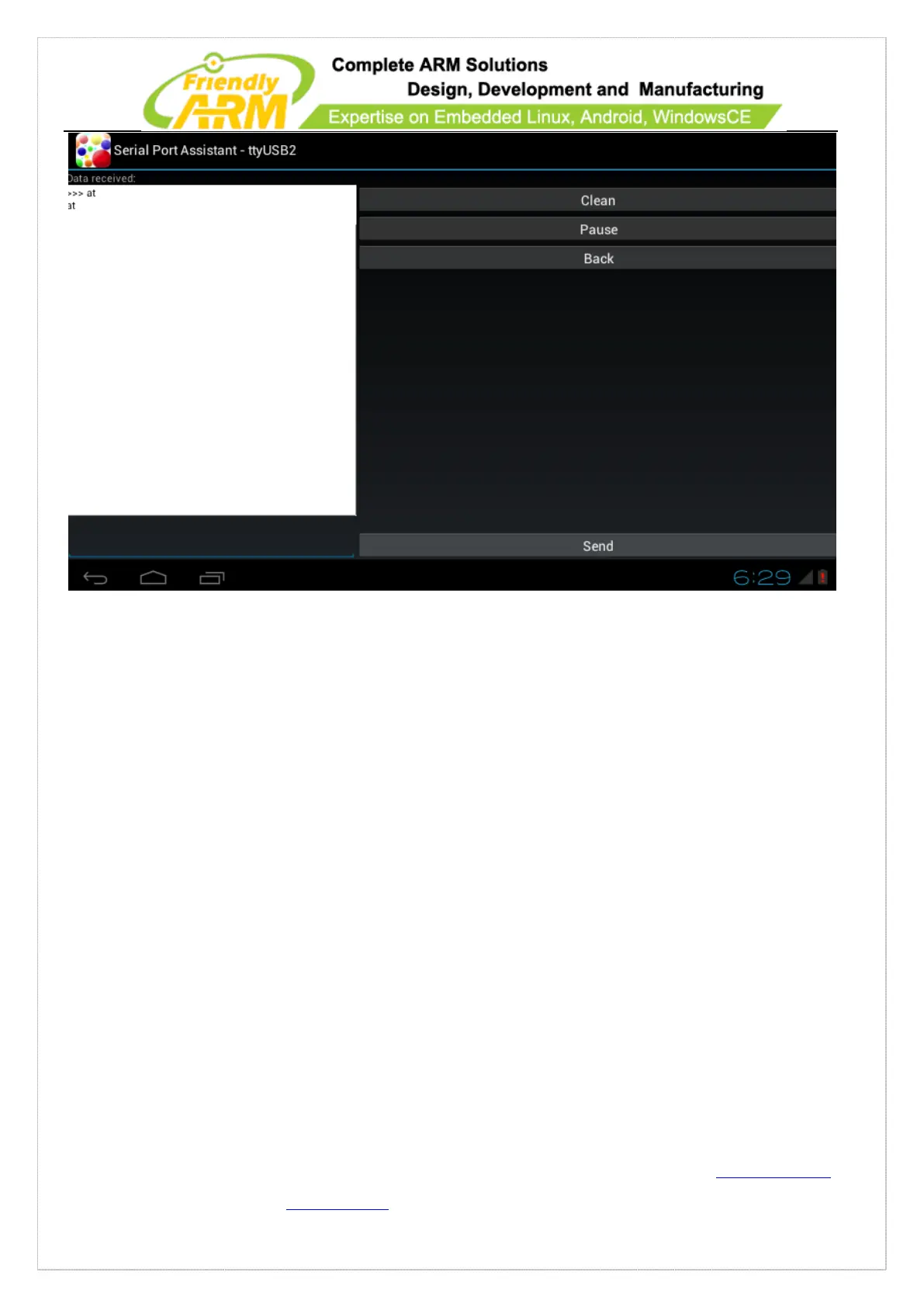
To send data to the serial port, you can type your messages in the left text box and
click on “send”. Clicking on “Pause” pauses message sending and “Clean” removes all
the received messages
Note:
1) If a serial port doesn’t work you can check whether it is occupied by other
applications by commanding “fuser filename”.
2) If a serial port is not occupied and doesn’t work you can check whether it has
read and write access by commanding “ls -l” and “chmod 777” to set its access.
3) By default “s3c2410_serial0” is associated with COM1 which is for debugging
therefore it is not commended to use this serial port



 To Next Page