Address: Room 1705,Block A1, Longyuan Plaza, Longkouxi Road, Guangzhou, China, 510640 Website: http://www.arm9.net
Sales: +86-20-85201025 Tech Support: +86-13719442657 Fax: +86-20-85261505
Email for Business and Cooperation: capbily@163.com Email for Tech Support: dev_friendlyarm@163.com
Step 2: run the command below to add the compiler’s path to system variables:
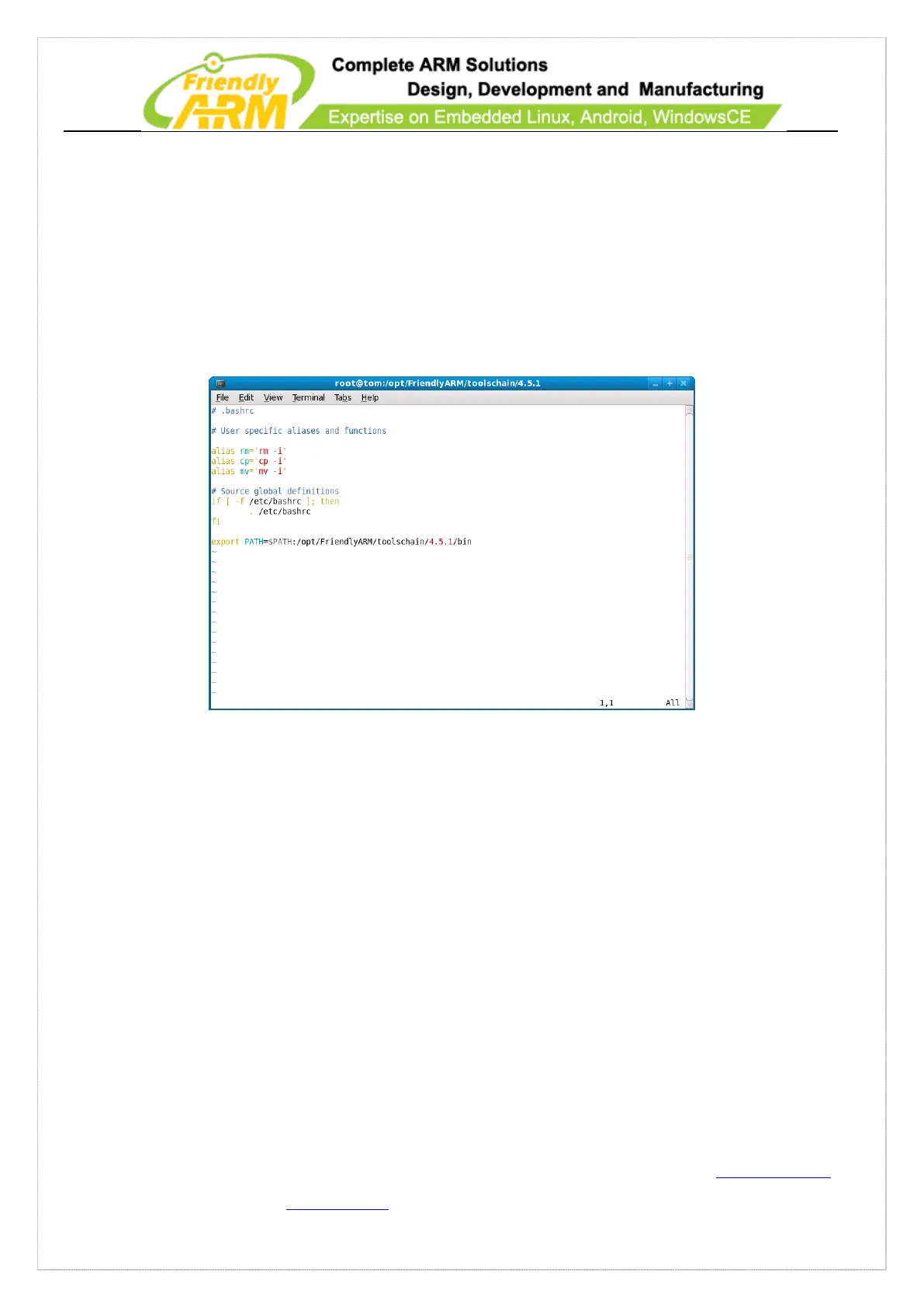
#gedit /root/.bashrc
This is to edit the “/root/.bashrc” file (there is a “.” before “bashrc”). Update the last
line with “export PATH=$PATH:/opt/FriendlyARM/toolschain/4.5.1/bin” in the
opened file, save and exit the file
Logout and login the system again (no need to reboot the system, just go to “start”->
“logout”), the above settings will take into effect. Type “arm-linux-gcc –v”, if the
messages depicted in the screen shot below appear, it indicates the compile environment
has been set up successfully.



 To Next Page