6.3. QUICK ACCESS PROGRAMS
The LCD graphical panel allows the user to access the most common processing and
STORAGE functions easily and quickly.
All the parameters of the quick access semi-automatic programs are already optimised for
creams, chocolate tempering, ice cream mixtures and different STORAGE modes. Each
one of them is coupled to a dedicated key so that they can be started by pressing just one
key.
The machine will request to set the main parameters of the cycle and afterwards it will
continue in automatic mode showing the most useful information on the display and tracing
the graphic of the cycle in real time.
The following paragraphs show how to execute the 4 quick access work programs step by
step. Refer to the following instructions to start production:
- Make sure that the gate valve of cold water
for condensation is open (water models
only).
- Make sure the master switch is closed and
that the machine is powered correctly.
- Make sure the dispenser tap is closed and
that the tank beater is assembled correctly.
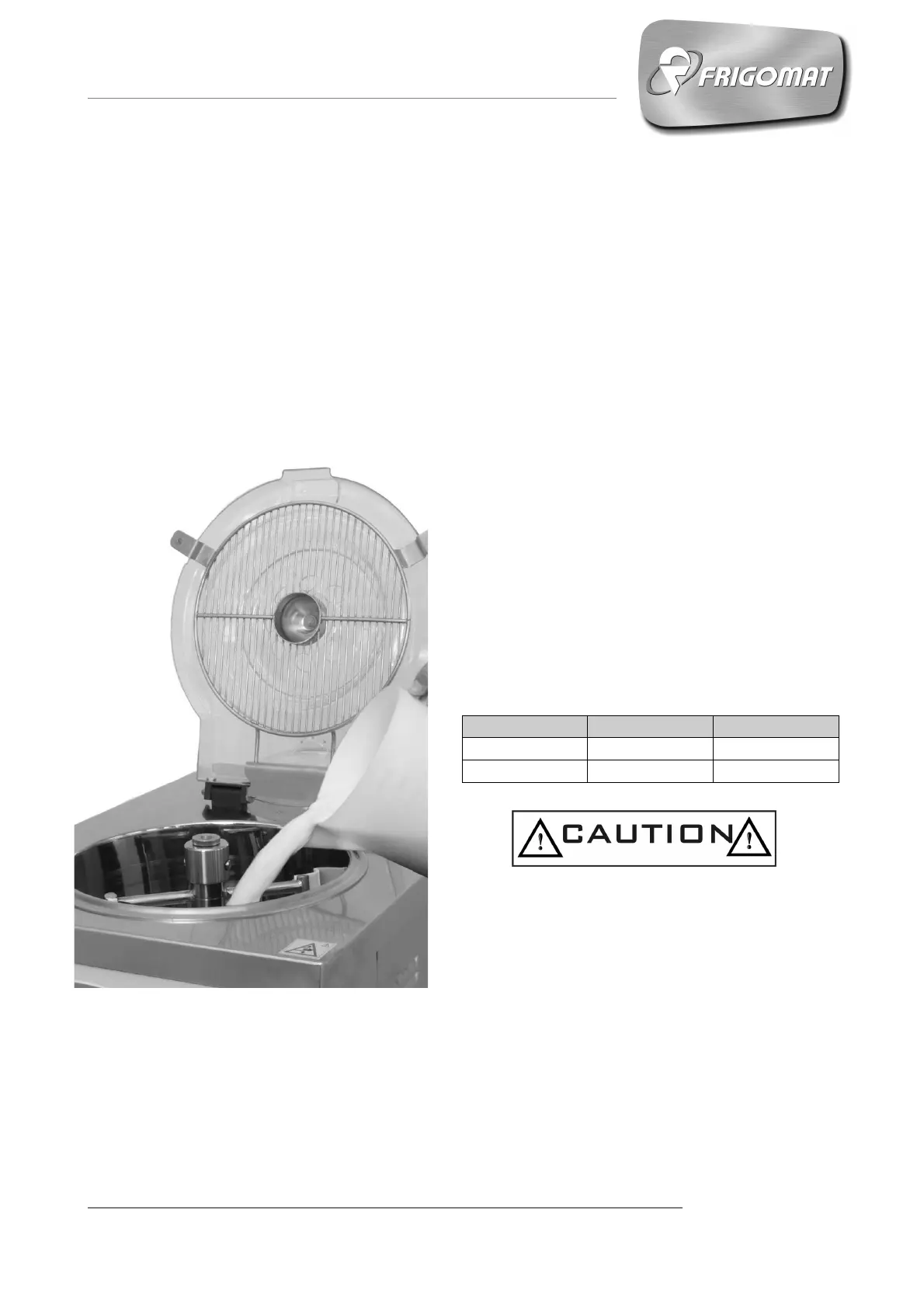
- Lift the cover and pour the ingredients in the
tank, strictly observing the minimum and
maximum amounts admitted per cycle and
carried on the following table:
Chef 30 LCD
15 30
Chef 60 LCD
30 55
Failure to comply with the minimum and
maximum load values can entail machine
malfunctioning and even breakage.











 To Next Page