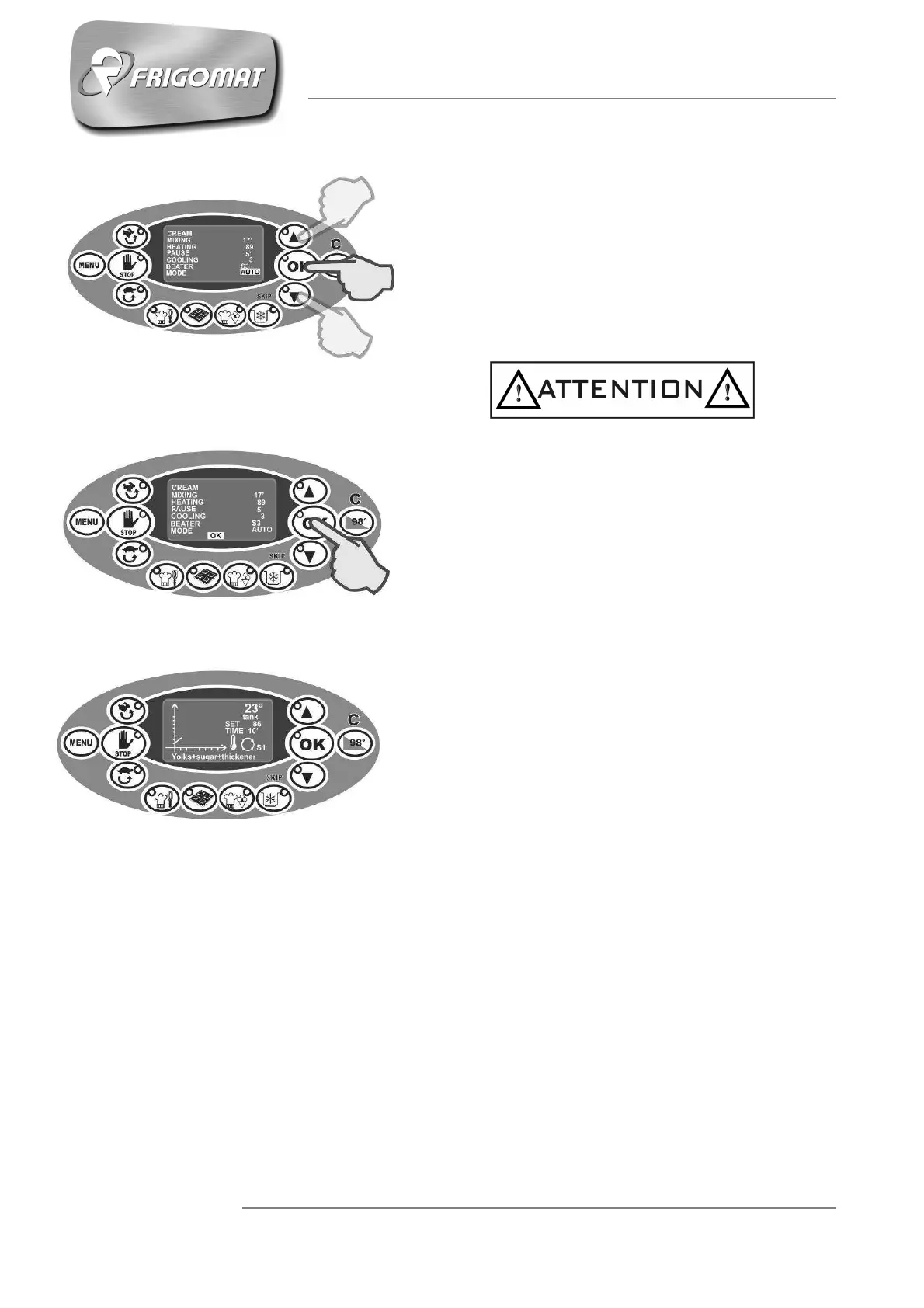
- MODE (AUTO OR STD)
After having programmed the mixing speed, it is
not possible to choose between 2 control modes
for maintaining the temperatures set: AUTO
(recommended choice) or STD.
Press “UP” and “DOWN” to select one mode or
the other.
Press “OK” to confirm the data.
Choosing the AUTO mode activates all the
automatic software controls for temperature
management and temperature drift control.
Choosing STD excludes software management of
temperature drift control.
- After having programmed all parameters just
described, OK appears at the bottom of the
display: press OK to confirm that programming
has been performed correctly, store the data and
then start the cycle.
- During execution of the cycle, various messages
on the display and relative acoustic warnings
inform the operator when to add the ingredients.
- When the cycle has ended, the STORAGE phase
starts automatically at the temperature set by the
user with cyclical mixing and chronometer active.











 To Next Page