6.3.2 “CHOCOLATE TEMPERING” RAPID SEMI-AUTOMATIC CYCLE
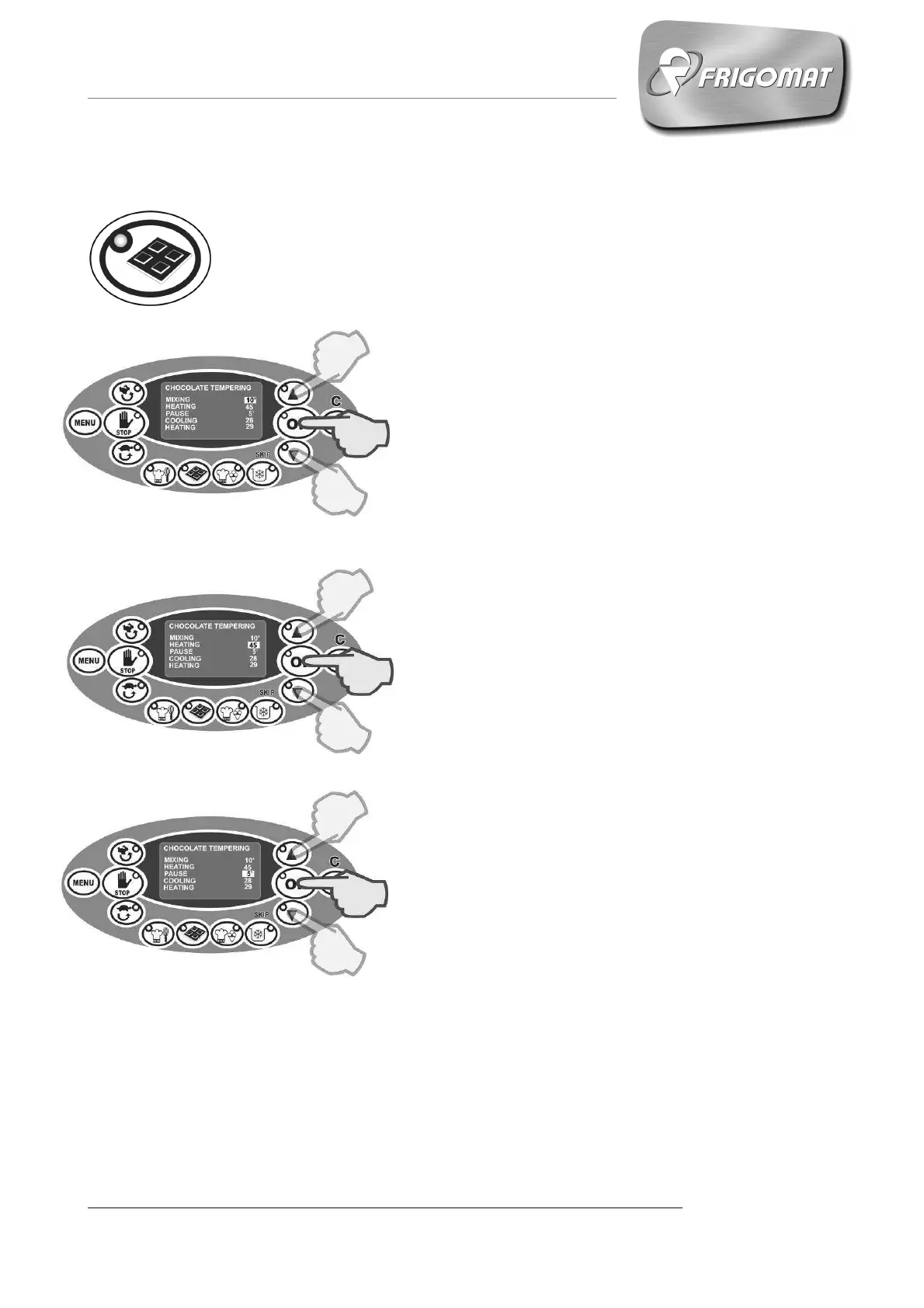
Press the “CHOCOLATE TEMPERING” key to enter the screen of the
following parameters relative to the work cycle:
- MIXING (from 5’ to 20’)
The first entry, automatically selected, concerns
the solid chocolate mixing - melting function by
static heating of the tank for a period of time that
varies from a minimum of 5’ to a maximum of 20’,
at the end of which the heating phase with mixing
will start.
Press “UP” and “DOWN” keys to increase or
decrease the mixing - melting time value.
Press “OK” to confirm the data and pass to
programming the next item.
- HEATING (from 40° to 53°)
After having programmed the static mixing -
melting time, it is possible to set the heating
temperature of the chocolate in the tank with S3
mixing.
Press “UP” and “DOWN” keys to increase or
decrease the heating temperature value.
Press “OK” to confirm the data and pass to
programming the next item.
- PAUSE (from 1’ to 10')
After having programmed the heating
temperature, a stand-by time can also be set,
during which this temperature is kept constant.
During stand-by, beater speed is S3.
Press “UP” and “DOWN” keys to increase or
decrease the stand-by time value.
Press “OK” to confirm the data and pass to
programming the next item.











 To Next Page