6.3.3 “MIX TREATMENT” RAPID SEMI-AUTOMATIC CYCLE
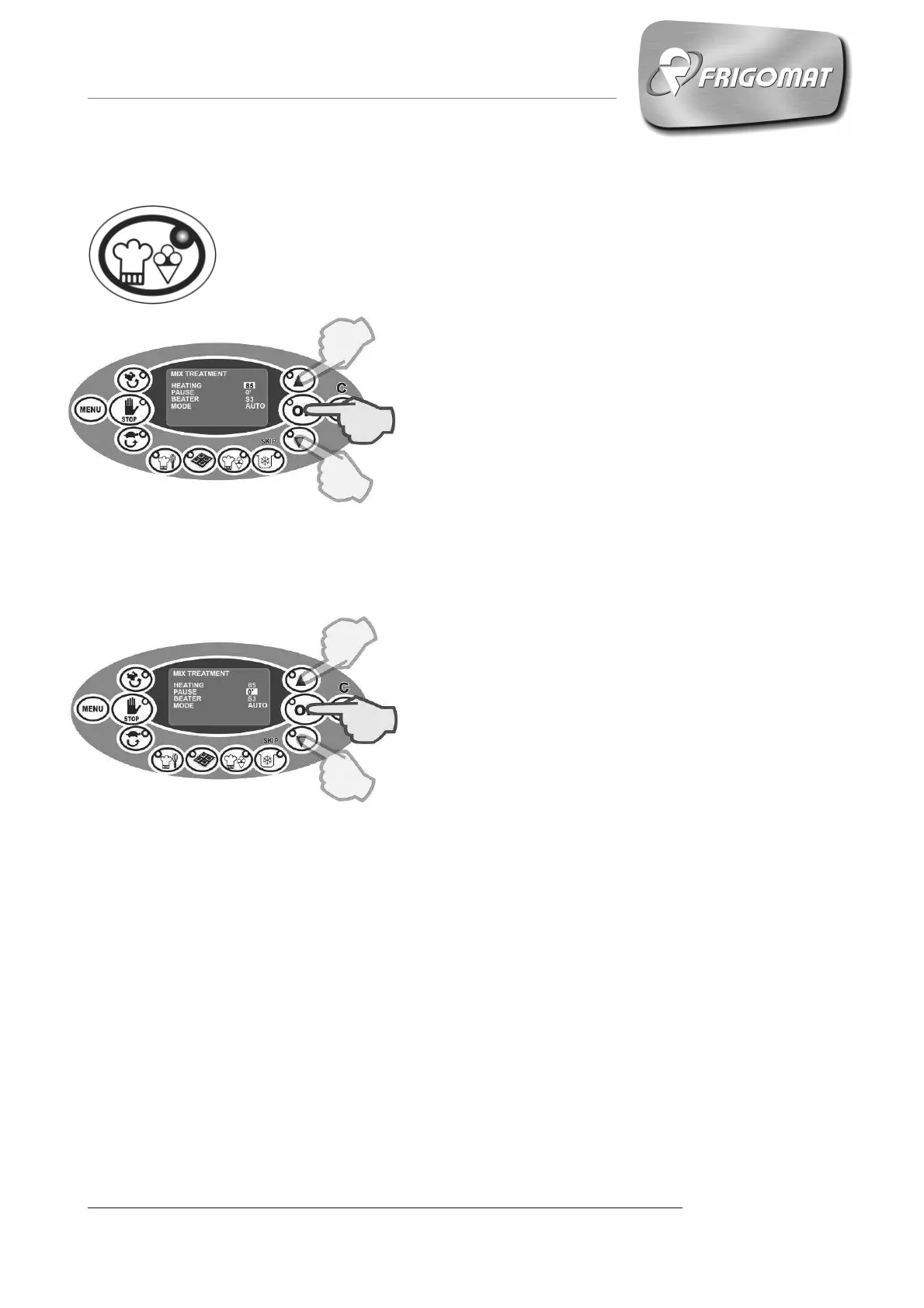
Press the “MIX TREATMENT” key to enter the screen of the following
parameters relative to the work cycle:
- HEATING (from 1° to 115°)
The first entry selected automatically concerns the
heating temperature of the product in the tank:
Press “UP” and “DOWN” keys to increase or
decrease the heating temperature value.
Press “OK” to confirm the data and pass to
programming the next item.
- PAUSE (from 0’ to 10 h)
After having programmed the heating
temperature, a stand-by time can also be set,
during which this temperature is kept constant.
- If the heating temperature selected previously
is between 65° and 85°C, the machine
automatically calculates the stand-by time
required for correct pasteurisation of the
product. If this time value is satisfactory, press
“OK” to confirm it. If not, press the “UP” and
“DOWN” keys to set a new time value. Then
press “OK” to confirm it.
- If the heating temperature set previously is not
in between 65° and 85°C, the machine will not
automatically calculate any time value. Press
the "UP" and "DOWN" keys to set a new
stand-by time and then press "OK" to confirm
and pass to programming the next item.











 To Next Page