LOV
™
Generation II Technical Reference
19
M3000 Menu Items
Location in IO manual
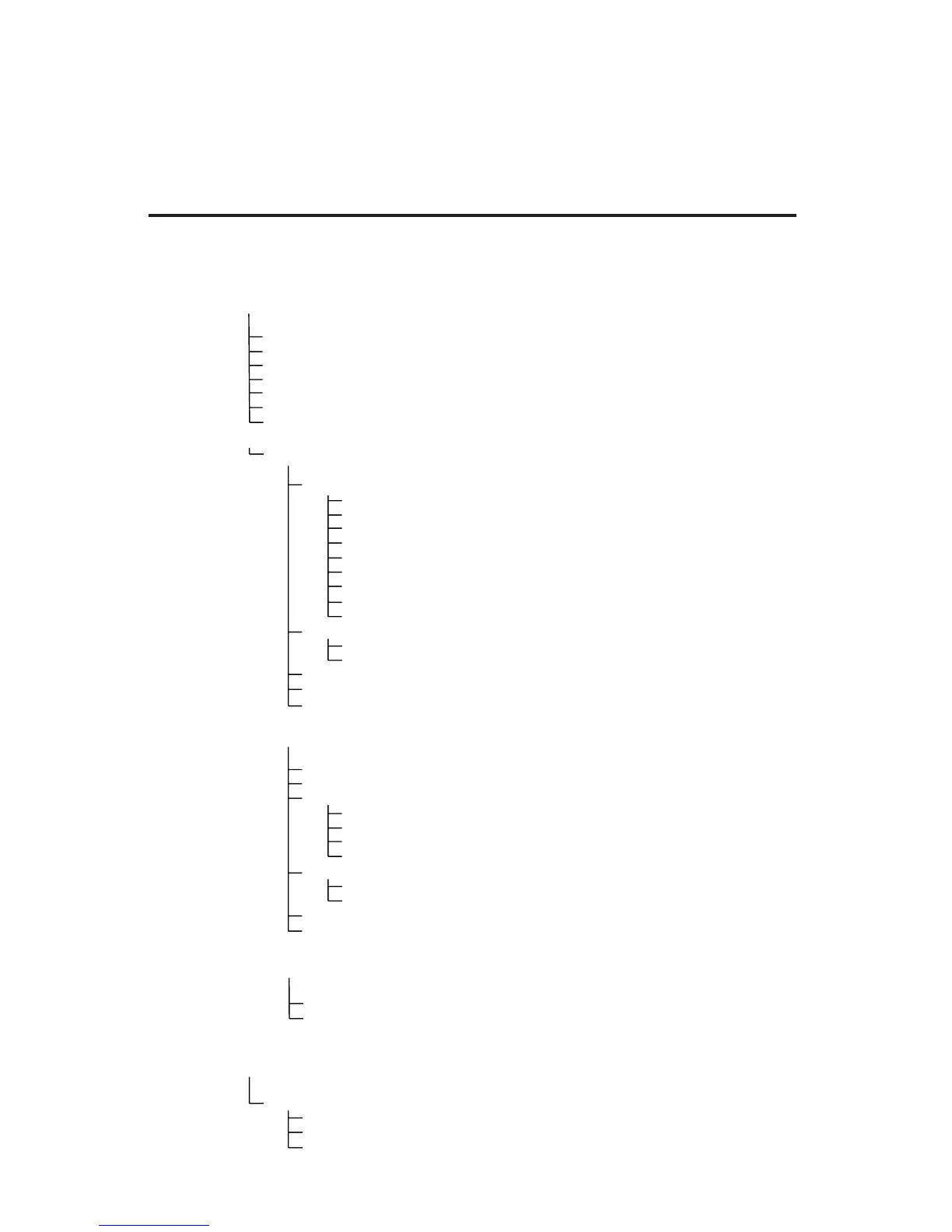
The following chart maps the menu options available in the M3000 computer and indicates the
location of more information on each menu item within the LOV
™
Fryer Installation and Operation
Manual. For more information, consult the indicated section.
Filter Menu
Programming
Info Mode
[Press and hold ◄ FLTR or FLTR ►]
Auto Filter
Maint Filter
Dispose
Drain to Pan
Fill Vat from Drain Pan
Fill Vat from Bulk (Bulk Only)
Pan to Waste (Bulk Only)
Name
Cook Time
Tem p
Cook ID
Duty Time 1
Duty Time 2
Qual Tmr
AIF Disable
Assign Btn
Level 1 Program
[Press and hold TEMP and INFO buttons, 2 beeps, displays Level 1, enter 1234]
Product Selection
IF Clock
Disabled
Enabled
Fryer Setup
Deep Clean Mode
Level 2 Program (Manager Level)
[Press and hold TEMP and INFO buttons, 3 beeps, displays Level 2, enter 1234]
[Press and hold INFO for 3 seconds, displays Info Mode]
Full/Split Vat Configuration
Filter Stats
Review Usage
Last Load
Setup [enter 1234]
Usage [enter 4321]
Level 1 [enter 1234]
Level 2 [enter 1234]
Volume 1-9
Ton e 1- 3
Alert Tone Volume and Tone
Prod Comp
E-Log
Password Setup
Filter Afte
Filter Time
Sets amount of time between filter cycles
Sets number of cooks before filter prompt
Change passwords
Log of last 10 error codes
Sensitivity for product
………………………………………………………………………………………………………….. 4.11
…….……………….....………………………………………………………….. 4.12
……………………………………………….. 4.13
………………...………………………...………………………………………..……………………….. 4.14
…………………….……………………………………………………………….. 4.9
……..……………………...…………………………………….. 4.12.2
..………………………………………………………………………………… 4.12.1
..…….....………………………………………………………….. 4.10.2
High-Limit Test
…………….…………………….…………………………………….. 4.12.3
…………………………………….. 4.13.1
…………………………….. 4.13.2
……………………………… 4.13.3
...………………………………………….. 4.13.4
………….. 4.13.5
………….. 4.13.6
………………….……………………………………………………………….. 4.14.3
………….……………………………………………………………….. 4.14.2
..……………….……………………………………………………………….. 4.14.1
Tech Mode
[Press and hold ◄ and ► for 10 seconds, 3 beeps, displays TECH MODE, enter
1650]
Clear Passwords
Filter Pad Time
Adding New Menu Items See section 4.10.2
Storing Menu Items in Product Buttons See section 4.10.3
Draining, Refi lling, and Disposing of Oil See section 4.10.4














 To Next Page