LOV
™
Generation II Technical Reference
28
Tech Mode
Tech mode allows technicians to reset all passwords set in Levels One and Two and change the time
at which the fryer calls for a fi lter pad change. The default is 25 hours.
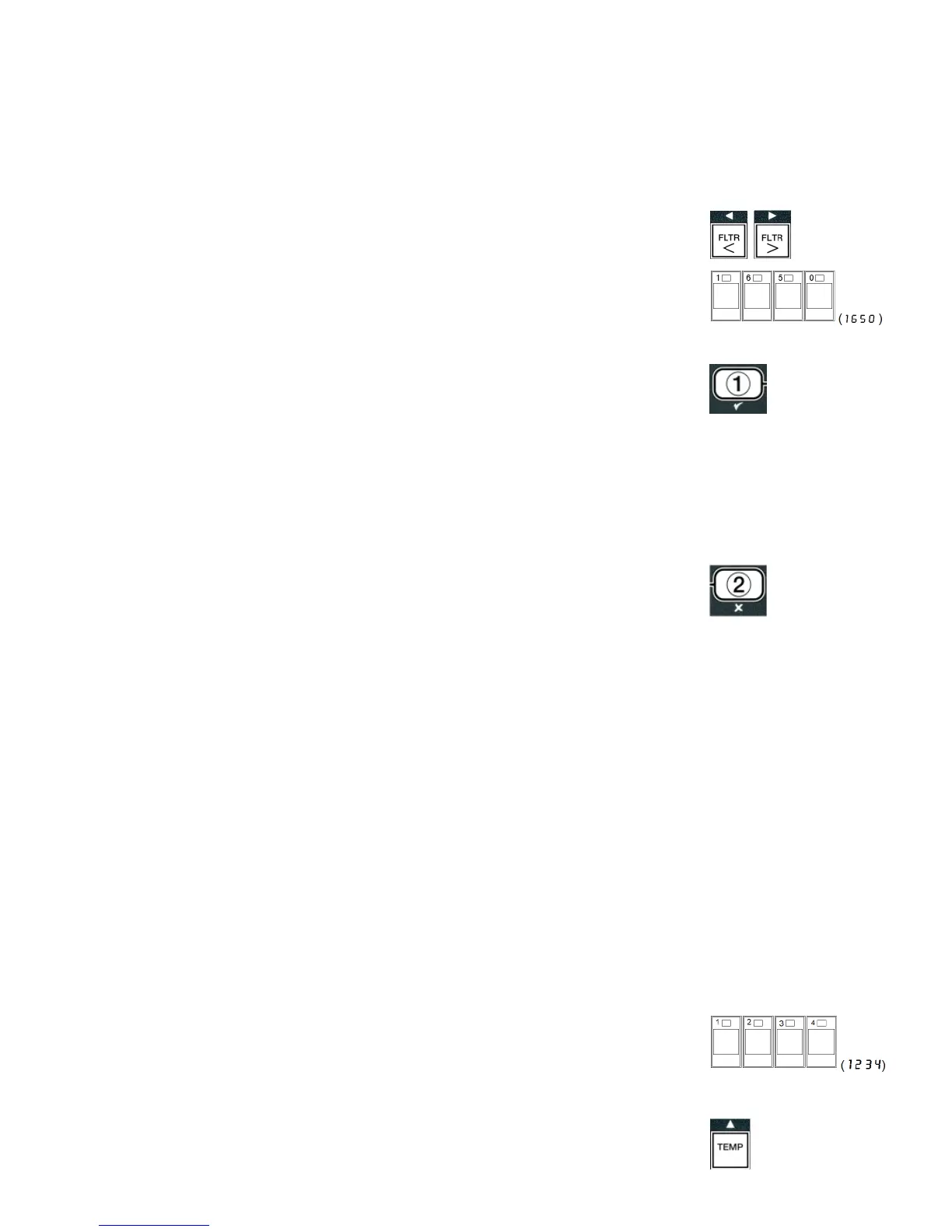
1. Press and hold and simultaneously for
TEN seconds until a third chirp is
heard and
CODE is displayed.
2. Enter
1650.
3. The computer displays
TECH MODE and changes to
CLEAR PASS-
WORDS.
4. Press the 9 (1) button to accept selection and clear the passwords.
5. The computer displays
CLEAR PASSWORDS on the left and
COM-
PLETE on the right. This clears any passwords set up under levels one and
two.
6. Press the button to toggle to
FILTER PAD TIME on the left and
25 on
the right. (25 hours is the default time to change the pad.)
7. Press the 8 (2) button to accept changes and exit.
8. The computer displays
OFF. Continue below to enter the setup mode.
Fryer Setup Mode
Fryer Setup Mode is used to setup the time, date, date format, language, fryer
type, vat type, oil system type, and temperature scale in the fryer’s computer.
These settings are needed for the fryer to function properly and should only be
changed by a technician upon initial power up after installing a new computer or
after accessing from Level 1.
With the computer displaying
OFF:
1. Enter Level 1 programming mode by pressing the TEMP and INFO buttons
simultaneously until
LEVEL 1 is displayed. The computer displays
ENTER
CODE.
2. Enter
1234.
The computer displays
level 1 program for three seconds changing to
Product selection .
3. Press the a button once to scroll to
FRYER SETUP.














 To Next Page