LOV
™
Generation II Technical Reference
29
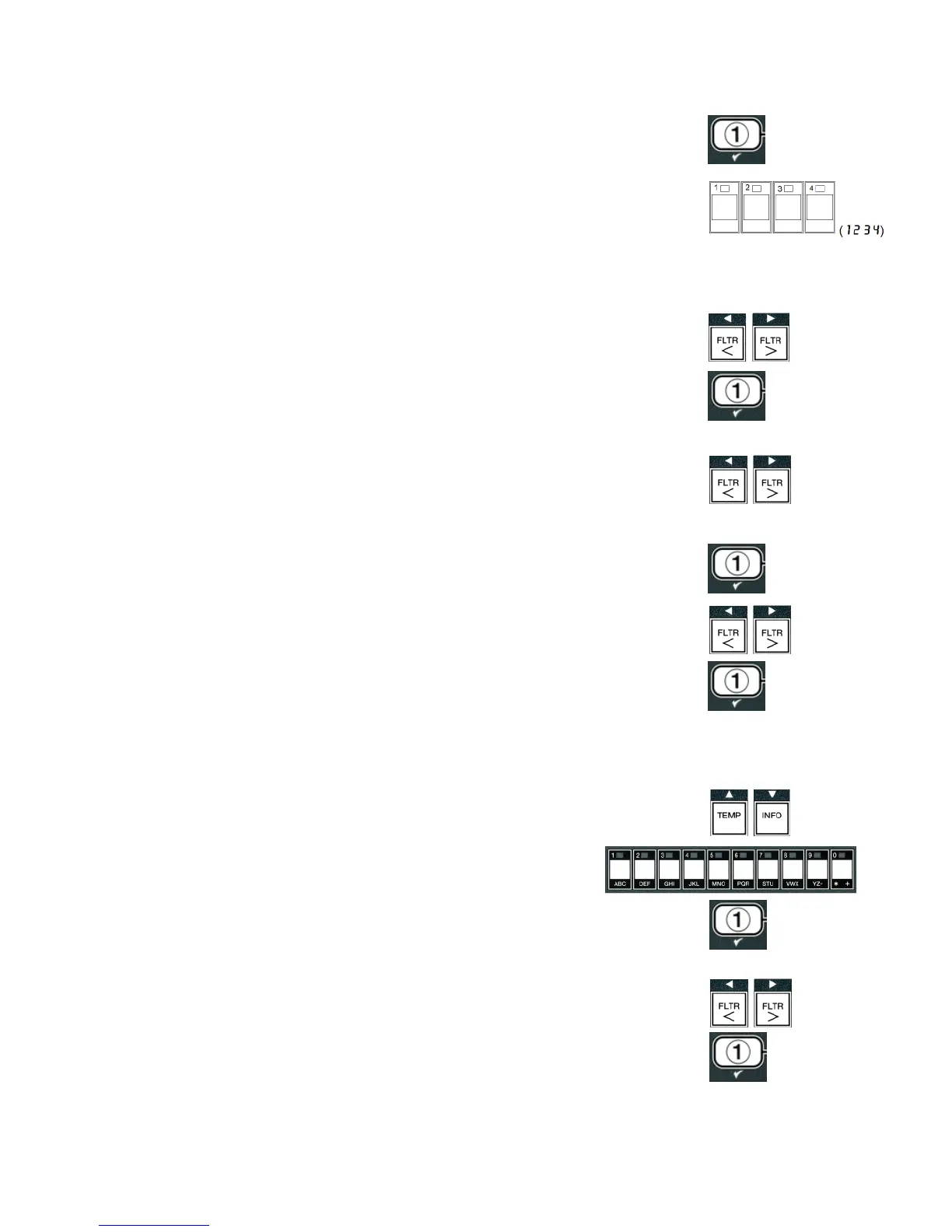
4. Press the 9 (1
yes) button.
The computer displays
ENTER CODE.
5. Enter
1234.
The computer displays
Language on the left and
english on the
right.
6. Use the _ and ` buttons to scroll through the language menu.
7. With the desired language selection displayed, press the 9 (1
yes) button.
The computer displays
temp format on the left and
on the right.
8. Use the _ and ` buttons to toggle between
and
temperature scales.
NOTE: F is used for Fahrenheit, C is used for Celsius.
9. With the desired selection displayed, press the 9 (1
yes) button. The
computer displays
time format on the left and
12 hr on the right.
10. Use the _ and ` buttons to toggle between
12 hr and
24 hr.
11. With the desired selection displayed, press the 9 (1
yes) button .
The computer displays
enter time on the left and current time on the
right in
hh:MM format.
AM or
PM is displayed if 12 hour system is chosen.
For example:
12 Hour Format – 7:30 AM is entered as 0730.
24 Hour Format – 2:30 is entered as 1430.
Change
AM and
PM – use the cd buttons.
12. Enter time in hours and minutes using the number buttons 0-9.
13. With the desired selection displayed, press the 9 (1
yes) button.
The computer displays
DATE FORMAT on the left and
US on the right.
14. Use the _ and ` buttons to toggle between
US and
interntl.
15. With the desired selection displayed, press the 9 (1
yes) button.
The computer displays
enter date on the left and
MM-DD-YY or
DD-MM-YY on the right changing to the current date. For example:
US Format – Dec. 5, 2008 is entered as 120508.
International Format – 5 Dec. 2008 is entered as 051208.














 To Next Page