LOV
™
Generation II Technical Reference
30
16. Enter the date using the number buttons 0-9.
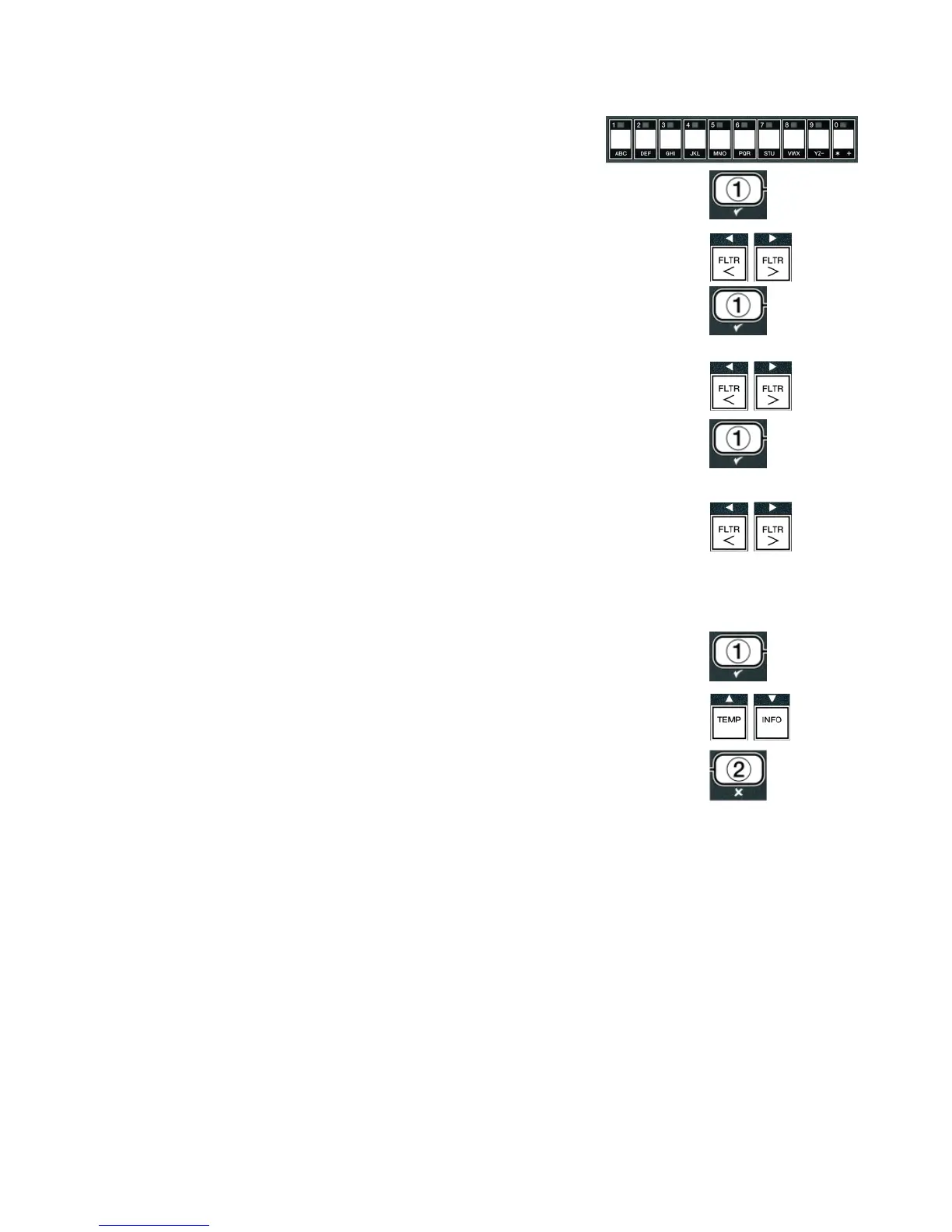
17. With the desired selection displayed, press the 9 (1
yes) button.
The computer displays
fryer type on the left and
Elec on the right.
18. Use the _ and ` buttons to toggle between
elec and
gas.
19. With the desired selection displayed, press the 9 (1
yes) button.
The computer displays
VAT
type on the left and
SPLIT on the right.
20. Use the _ and ` buttons to toggle between
SPLIT and
FULL.
21. With the desired selection displayed, press the 9 (1
yes) button.
The computer displays
OIl SYSTEM on the left and
JIB on the right.
22. Use the _ and ` buttons to toggle between
JIB and
BULK.
NOTE: A JIB system uses a disposable
JIB (Jug in a Box). A
BULK
system has large storage oil tanks that are connected to the fryer that
fi lls a reservoir.
23. With the desired selection displayed, press the 9 (1
yes) button.
The computer displays
LANGUAGE on the left and
ENGLISH on the right.
Use the cd buttons to scroll and edit any additional fi elds.
24. Press the 8 (2) button to exit.
The computer displays
SETUP COMPLETE changing to
off.














 To Next Page