29
2
ERASING SINGLE FRAME
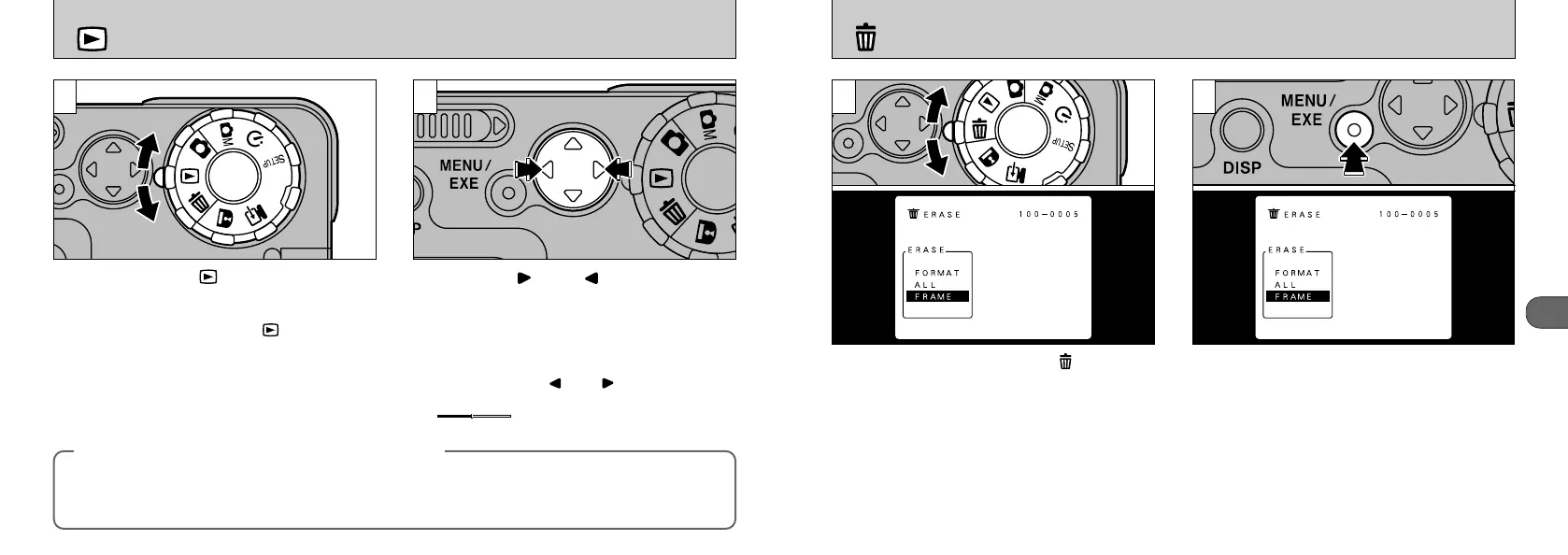
When you set the Mode dial to “”, the menu
appears on the LCD monitor.
With “FRAME” selected, press the “MENU/EXE”
button.
●
!
See P.58-59 for details of other menus in Erase
mode.
1 2
28
VIEWING YOUR IMAGES
(
PLAYBACK
)
1 2
Set the mode dial to “”
●
!
When you set the mode dial to “”, the last image
shot is displayed.
●
!
If image on the LCD monitor is difficult to see, adjust
the LCD monitor brightness (➡P.21).
●
!
If you press the “DISP” button once, the text
displayed on the LCD monitor disappears.
You can use “” and “” on the 4-direction
button to move forward and backward
respectively through your images.
●
!
If you hold down “” or “” for approximately
3 seconds, the frame advance indicator
“”appears on the LCD monitor.
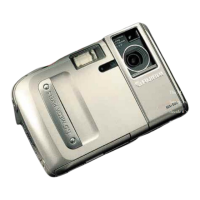
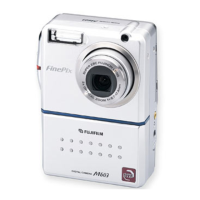
You can use this camera to view images recorded on an MX-1200 or images recorded onto a 3.3V
SmartMedia using a Fujifilm MX series and DX series digital camera.
◆ Images That Can be Viewed on the MX-1200◆










 To Next Page