110
6
The Shooting Menus
N
•
In conditions in which AUTO fails to produce the desired results—for
example, under certain types of lighting or in close-ups of portrait
subjects—use custom white balance or choose a white balance op-
tion suited to the light source.
•
White balance is adjusted for ash lighting only in AUTO, WA WHITE
PRIORITY, AA AMBIENCE PRIORITY, and g modes. Turn the
ash o using other white balance options.
•
White balance options can also be accessed via shortcuts (P 244).
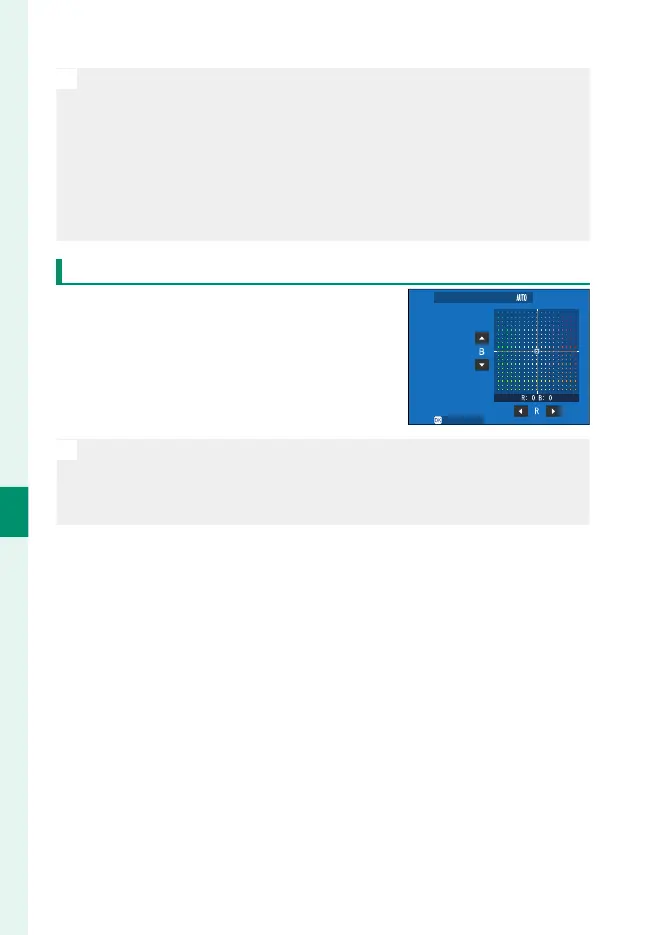
Fine-Tuning White Balance
Pressing MENU/OK after selecting a white
balance option displays a ne-tuning
dialog; use the focus stick (focus lever) to
ne-tune white balance.
WB SHIFT
SET
N
•
To exit without ne-tuning white balance, press DISP/BACK after se-
lecting a white balance option.
•
You cannot tilt the focus stick diagonally when ne-tuning white bal-
ance.



 To Next Page