295
Connections
11
instax SHARE Printers
Print pictures from your digital camera to instax SHARE
printers.
Establishing a Connection
Select
D
CONNECTION SETTING> instax PRINTER CONNECTION
SETTING and enter the instax SHARE printer name (SSID) and pass-
word.
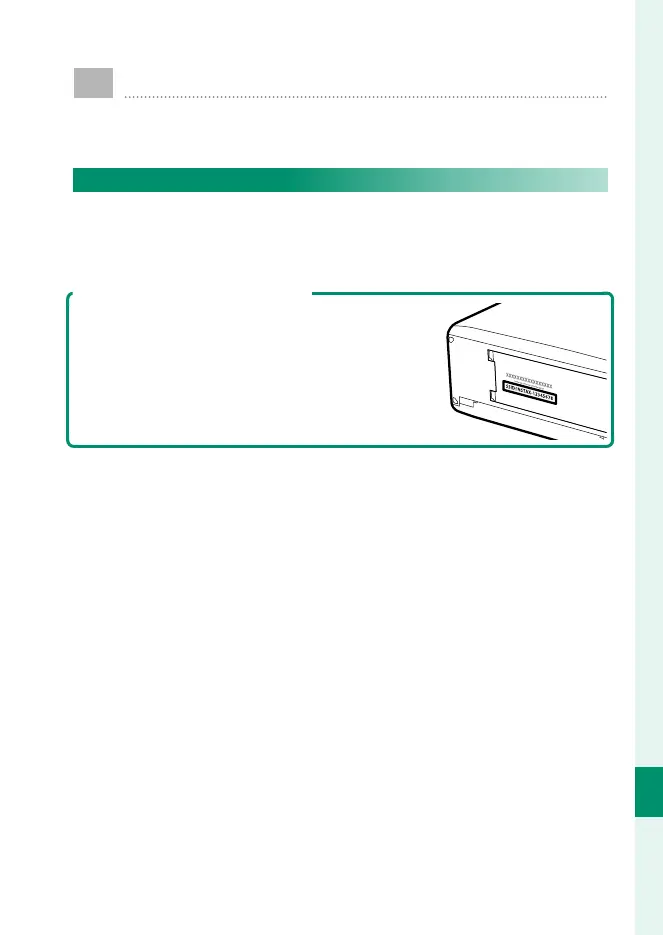
The Printer Name (SSID) and Password
The printer name (SSID) can be found on the
bottom of the printer; the default password is
“1111”. If you have already chosen a di erent
password to print from a smartphone, enter
that password instead.



 To Next Page