187
Playback and the Playback Menu
7
The Playback Menu
Adjust playback settings.
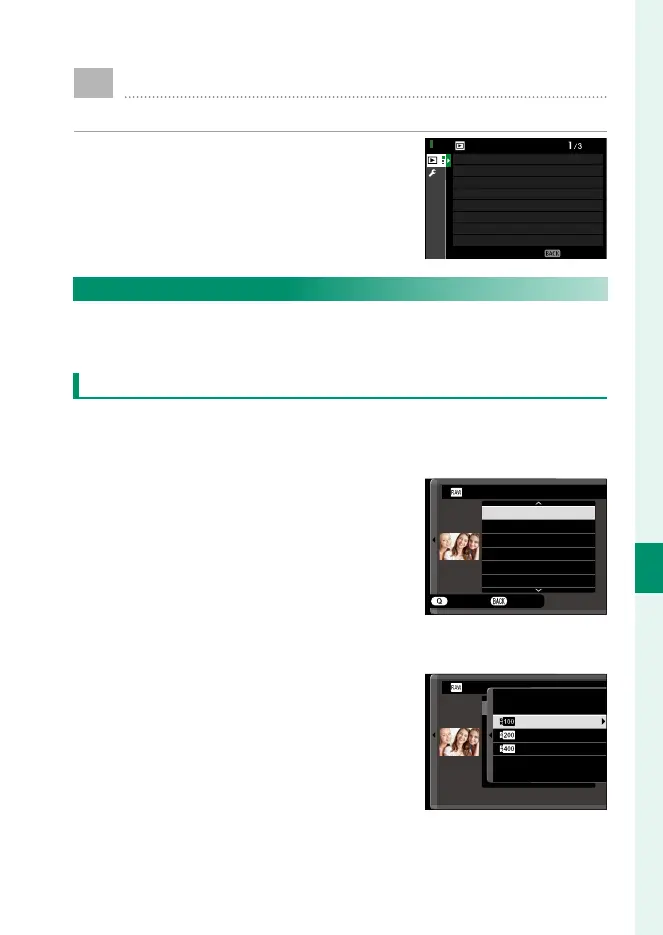
The playback menu is displayed when
you press MENU/OK in playback mode.
EXIT
CROP
VOICE MEMO SETTING
RAW CONVERSION
PLAY BACK MENU
ERASE
RESIZE
PROTECT
IMAGE ROTATE
RED EYE REMOVAL
RAW CONVERSION
Even if you don’t have a computer, you can use the camera to
modify RAW pictures and save them in other formats.
Saving RAW Pictures in Another Format
1
Display a RAW picture.
2
Highlight RAW CONVERSION in the playback menu.
3
Press MENU/OK.
A list of settings will be displayed.
CREATE
REFLECT SHOOTING COND.
IMAGE SIZE
IMAGE QUALITY
PUSH/PULL PROCESSING
DYNAMIC RANGE
D RANGE PRIORITY
RAW CONVERSION
CANCEL
4
Press the focus stick (focus lever) up or down to highlight a
setting.
5
Press the focus stick right to display
options.
RAW CONVERSION
200
%
400
%
100
%



 To Next Page