42
3
Basic Photography and Playback
Taking Photographs (Mode P)
This section describes how to take pictures using program
AE (mode P). See pages 56–65 for information on S, A,
and M modes.
1
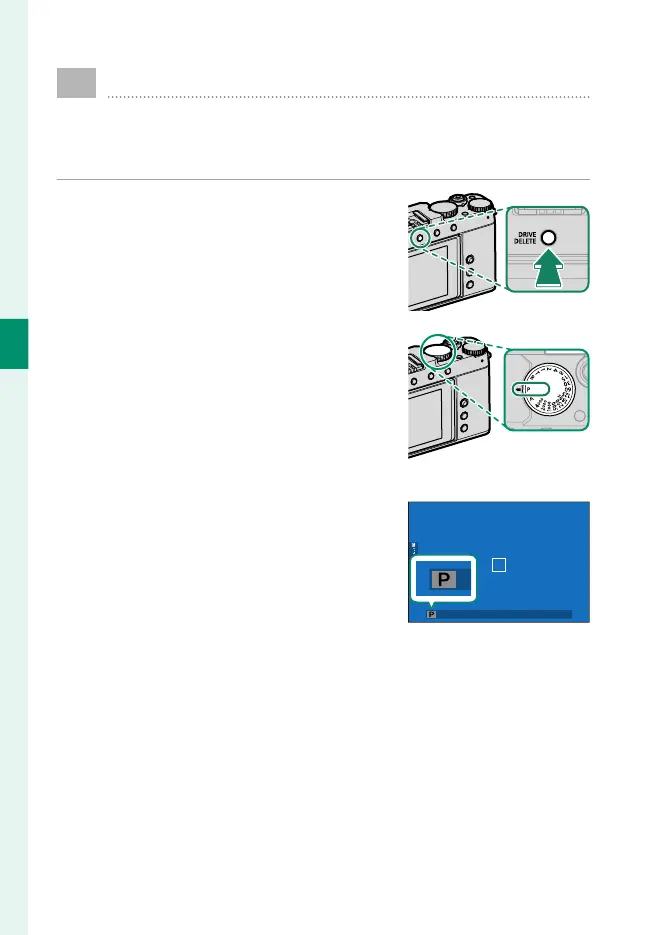
Press the DRIVE/DELETE button and se-
lect STILL IMAGE in the drive-mode
menu.
2
Rotate the shutter-speed dial to P
and con rm that the camera displays
shooting information for program AE.
3
Check the shooting mode.
Con rm that P appears in the display.



 To Next Page