264
Peripherals and Optional Accessories
10
Manual Focus Lenses
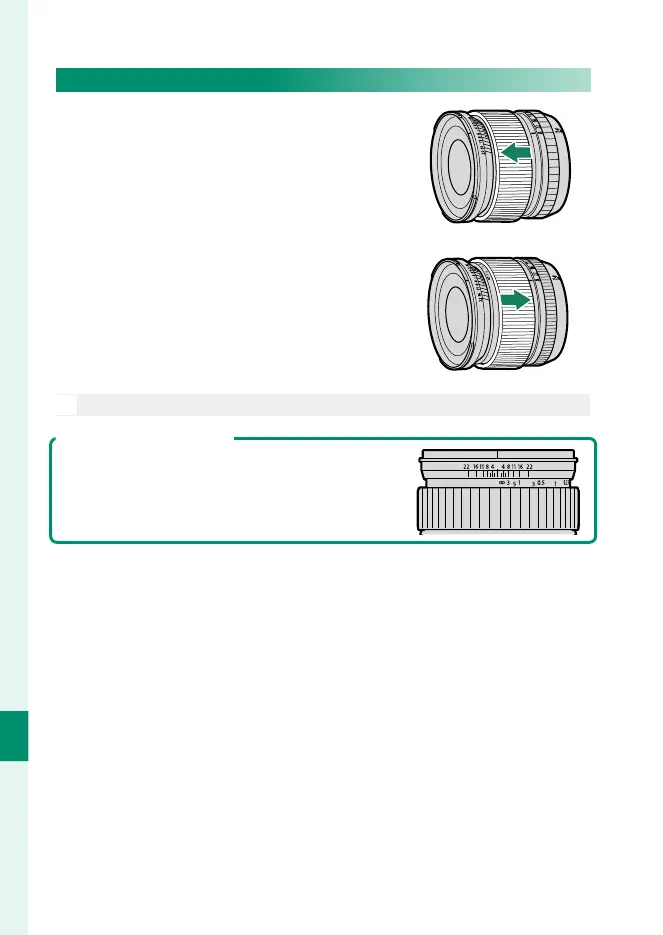
Slide the focus ring to the front for auto-
focus.
For manual focus, slide the focus ring to
the back and rotate it while checking the
results in the camera display. The focus
distance and depth-of- eld indicators
can be used to assist manual focus.
O
Note that manual focus may not be available in all shooting modes.
The Depth-of-Field Indicator
The depth-of- eld indicator shows the approxi-
mate depth of eld (the distance in front of and
behind the focus point that appears to be in
focus). The indicator is displayed in lm format.



 To Next Page