168
6
The Shooting Menus
AF/MF SETTING (Movie Recording)
Adjust focus settings for movies.
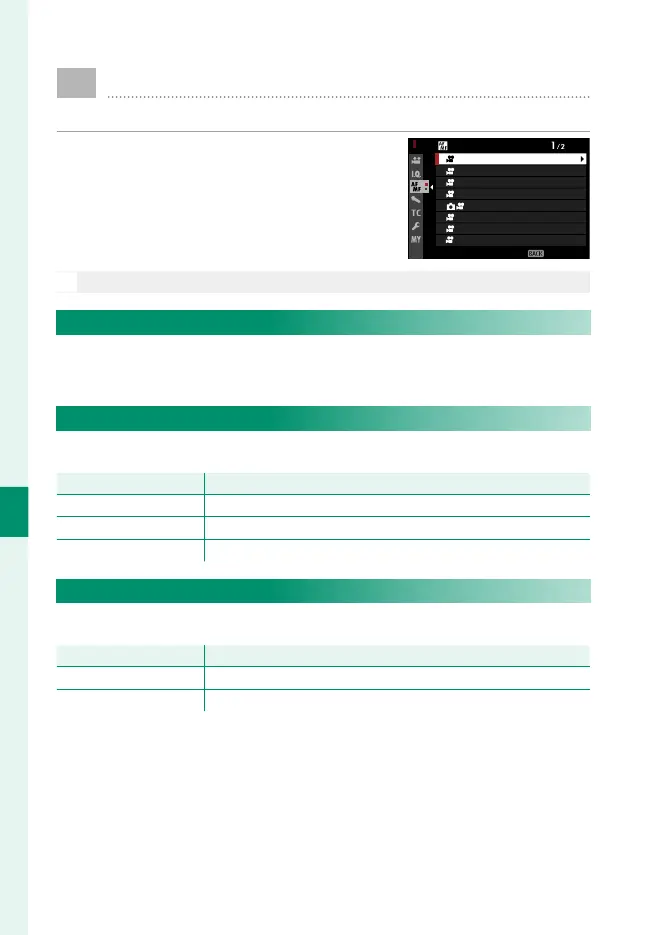
To display AF/MF settings, press MENU/OK
in the movie shooting display and select
the G(AF/MF SETTING) tab.
EXIT
AF/MF SETTING
FOCUS MODE
AF-C CUSTOM SETTING
AF ILLUMINATOR
MF ASSIST
FOCUS CHECK
FOCUS AREA
FACE/EYE DETECTION SETTING
AF MODE
N
The options available vary with the shooting mode selected.
F FOCUS AREA
Options are the same as those for still photography, but settings
must be adjusted separately (P 73).
F FOCUS MODE
Choose the focus mode for movie recording.
Option
Description
p MANUAL FOCUS
Focus manually.
k CONTINUOUS AF
The camera focuses using AF-C.
l SINGLE AF
The camera focuses using AF-S.
F AF MODE
Choose how the camera selects the focus point for movie recording.
Option
Description
MULTI The camera selects the focus area automatically.
AREA The camera focuses on the subject in the selected focus area.



 To Next Page