67
5
Taking Photographs
P, S, A, and M Modes
Front Command Dial Roles by Mode
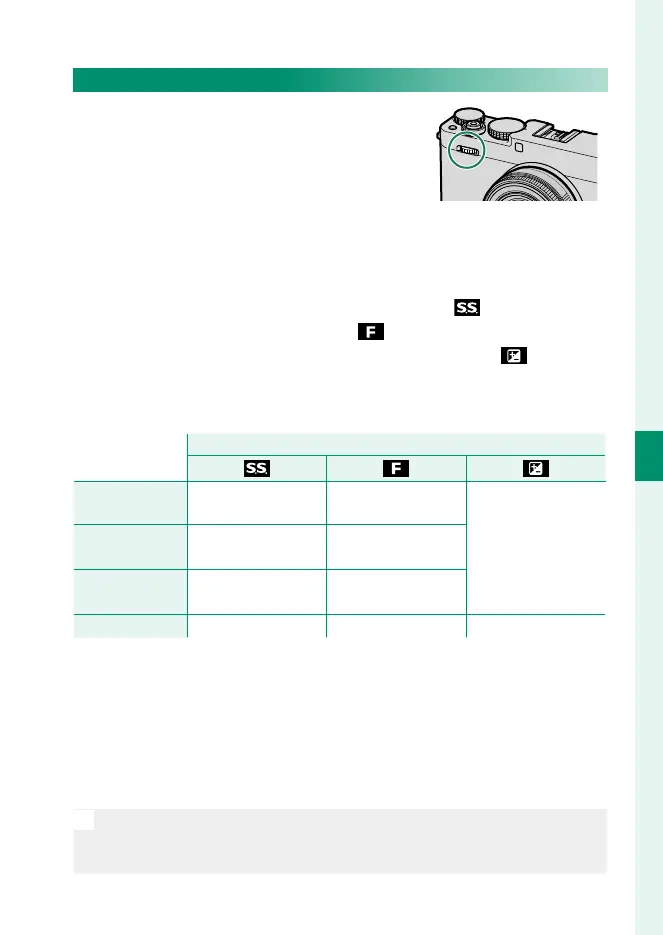
The roles that can be performed by the
front command dial in each mode are
listed below.
The roles assigned to the front command dial during shooting
can be chosen using D BUTTON/DIAL SETTING> COMMAND
DIAL SETTING (P 226). At default settings, the dial can be used
in the following three roles:
•
FRONT COMMAND DIAL 1: S.S. (PROGRAM SHIFT) ( )
•
FRONT COMMAND DIAL 2: APERTURE ( )
•
FRONT COMMAND DIAL 3: EXPOSURE COMPENSATION ( )
Press the center of the front command dial to cycle through roles
1, 2, and 3.
Role assigned to front command dial
Role assigned to front command dial
P (PROGRAM AE) Program shift
Program shift
Aperture
Exposure
compensation
S (SHUTTER
PRIORITY AE)
Shutter speed Aperture
A (APERTURE
PRIORITY AE)
None None
M (MANUAL) Shutter speed Aperture None
1 Shutter speed dial set to P.
2 Shutter speed dial set to A.
3 Lens with no aperture ring, or lens equipped with an aperture ring set to
A (auto) with COMMAND selected for D BUTTON/DIAL SETTING>
APERTURE RING SETTING (A). Aperture adjustment via front command dial
not otherwise available.
4 Exposure compensation dial rotated to C.
N
To adjust sensitivity using the front command dial, assign ISO to any
of the front command dial roles 1 through 3 using D BUTTON/DIAL
SETTING> COMMAND DIAL SETTING (P 226).



 To Next Page