216
The Setup Menus
8
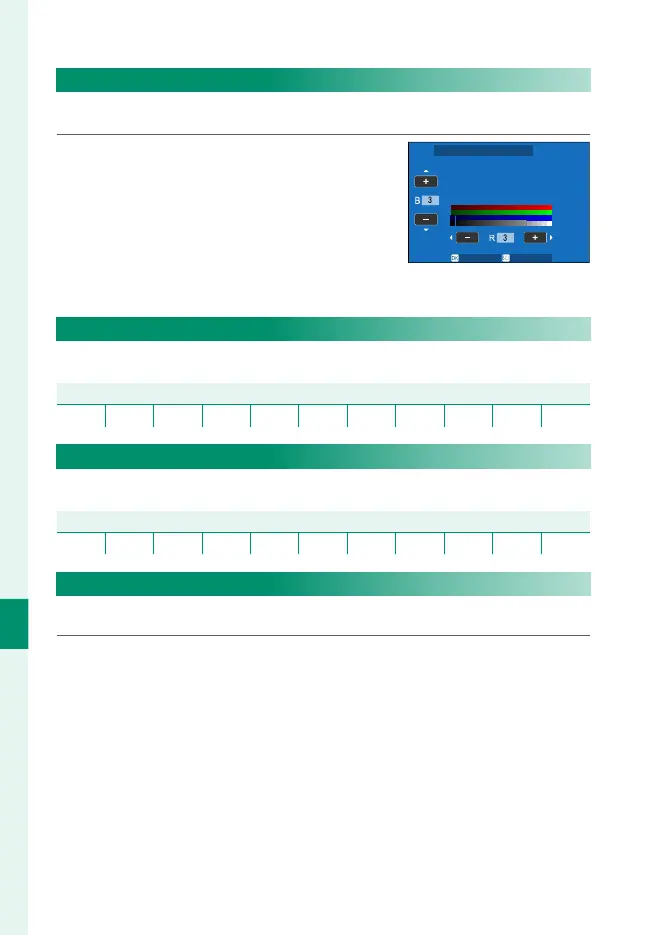
EVF COLOR ADJUSTMENT
Adjust the color of the display in the electronic view nder.
1
Adjust colors using the focus stick
(focus lever).
SET CANCEL
EVF COLOR ADJUSTMENT
2
Press MENU/OK.
LCD BRIGHTNESS
Adjust monitor brightness.
Options
−5 −4 −3 −2 −1 0 +1 +2 +3 +4 +5
LCD COLOR
Adjust monitor hue.
Options
−5 −4 −3 −2 −1 0 +1 +2 +3 +4 +5
LCD COLOR ADJUSTMENT
Adjust the color of the display in the LCD monitor.
1
Adjust colors using the focus stick (focus lever).
2
Press MENU/OK.



 To Next Page