142
6
The Shooting Menus
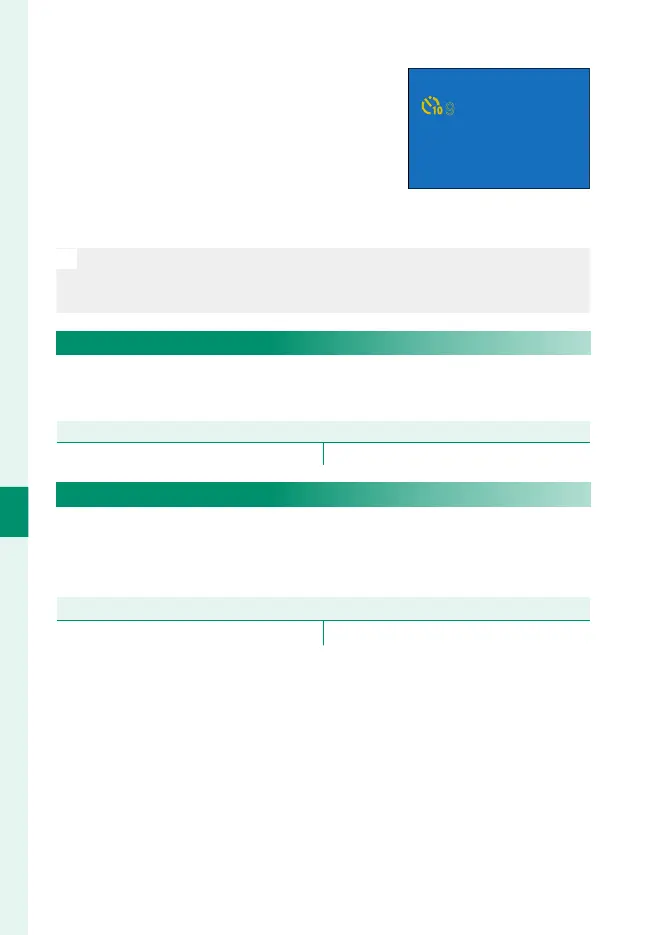
If an option other than OFF is select-
ed, the timer will start when the shutter
button is pressed all the way down. The
display shows the number of seconds re-
maining until the shutter is released. To
stop the timer before the picture is taken,
press DISP/BACK.
9
O
•
Stand behind the camera when using the shutter button. Standing in
front of the lens can interfere with focus and exposure.
•
The self-timer turns o automatically when the camera is turned o .
SAVE SELF-TIMER SETTING
If ON is selected, the chosen self-timer setting will remain in ef-
fect after a picture is taken or the camera is turned o .
Options
ON OFF
SELF-TIMER LAMP
If ON is selected, the self-timer lamp will light during self-timer
photography. Select OFF when shooting night scenes or in other
situations in which you would prefer that the lamp remain unlit.
Options
ON OFF



 To Next Page