49
4
Movie Recording and Playback
Recording Movies
Using a Function Button (MOVIE RECORDING RELEASE)
Use the function button to which MOVIE RECORDING RELEASE
is assigned to quickly and easily record movies while in still pho-
tography mode.
N
The camera automatically enables autoexposure and selects
CONTINUOUS AF for focus mode.
1
Assign MOVIE RECORDING RELEASE to a function button
(P 253).
2
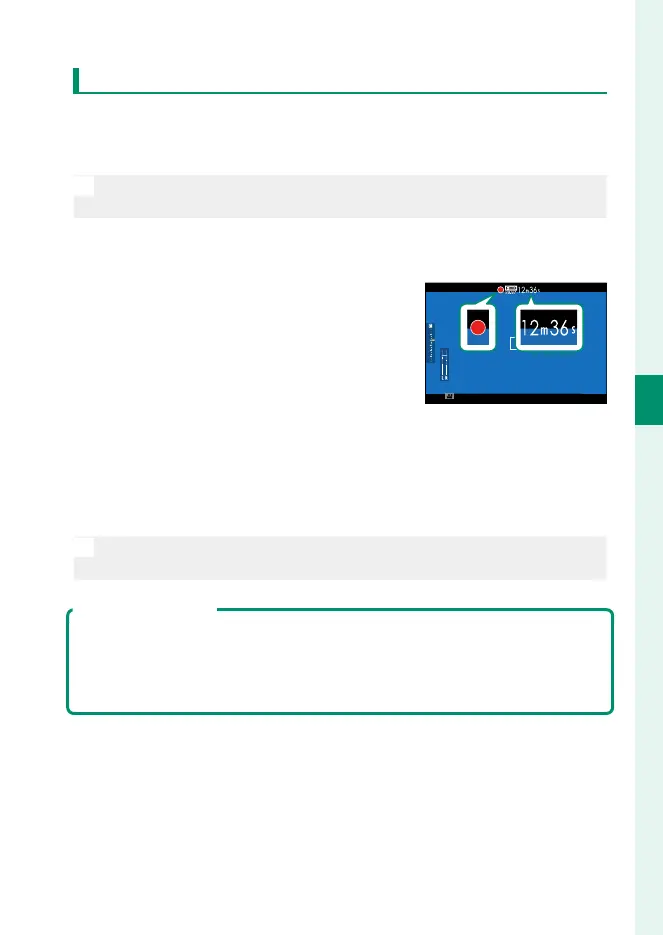
Press the selected button to start
recording.
•
A recording indicator (V) is dis-
played while recording is in prog-
ress.
•
The display shows the elapsed re-
cording time.
3
Press the button again to end recording.
Recording ends automatically when the movie reaches
29minutes 59seconds or the memory card is full.
N
The movie recording release option is intended for point-and-shoot
movie recording; camera settings cannot be adjusted.
Temperature Warnings
The camera automatically turns o to protect itself when its temperature or
the temperature of the battery rises. If a temperature warning is displayed,
image noise may increase. Turn the camera o and wait for it to cool before
turning it on again (P 327).



 To Next Page