64
5
Taking Photographs
Lenses Without Aperture Rings
Users of lenses with no aperture ring can rotate the command dial past
minimum aperture to select A (auto), then press the center of the dial to
cycle to S.S. (PROGRAM SHIFT) and use program shift to choose other
combinations of shutter speed and aperture that will produce the same
exposure.
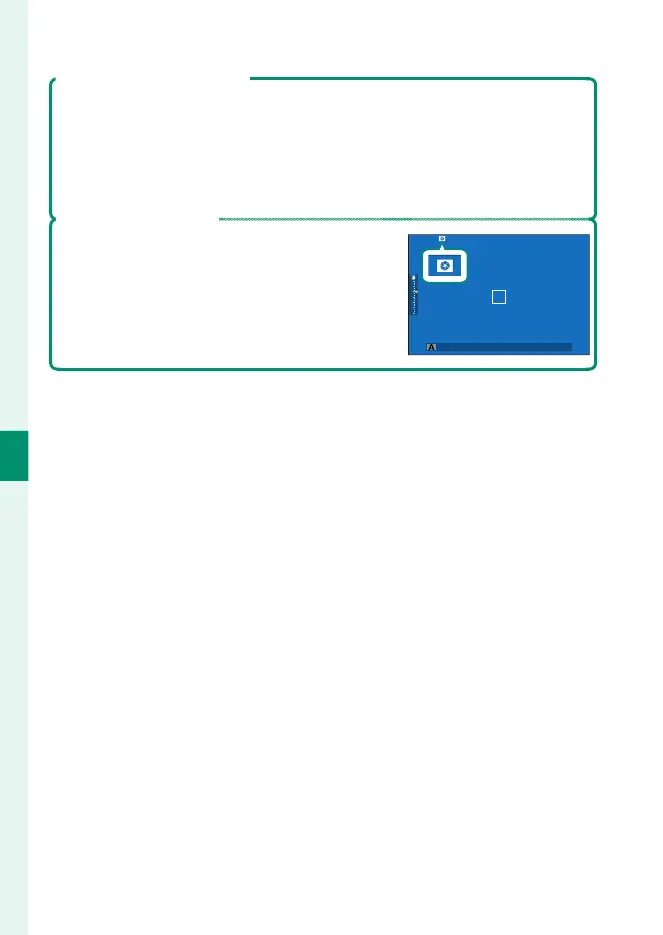
Previewing Depth of Field
When PREVIEW DEPTH OF FIELD is assigned
to a function button, pressing the button dis-
plays a L icon and stops aperture down to the
selected setting, allowing depth of eld to be
previewed in the display (P 253).



 To Next Page