Preparing for use
A26361-K990-Z120-1-7619, Edition 6 9
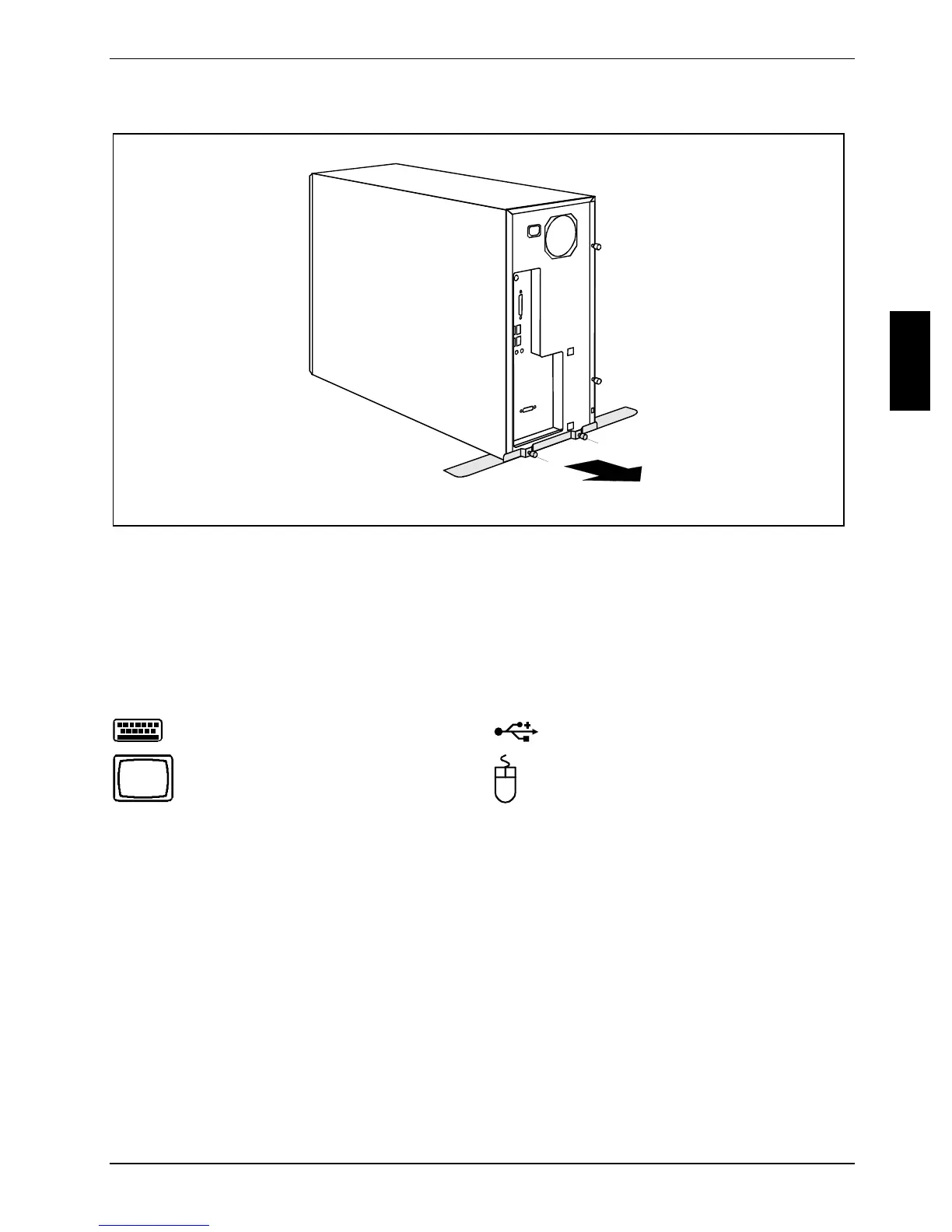
Unscrewing the base foot (CELSIUS V, CELSIUS R6xx)
1
1
2
► Unscrew the knurled screws (1).
► Pull off the base foot in the direction of the arrow (2).
Connect the monitor, mouse and keyboard
The ports for the monitor, mouse, and keyboard are on the front and rear of the device.
Keyboard port, purple
USB port, black
Monitor port, blue
PS/2 mouse port, green
Connecting monitor
► Follow the instructions contained in the monitor manual to prepare the monitor for operation
(e.g. connecting cables).
► Plug the data cable into the monitor port of the device.
► Plug the monitor power cable into the grounded mains outlet.



 To Next Page