System upgrades
A26361-K990-Z120-1-7619, Edition 6 75
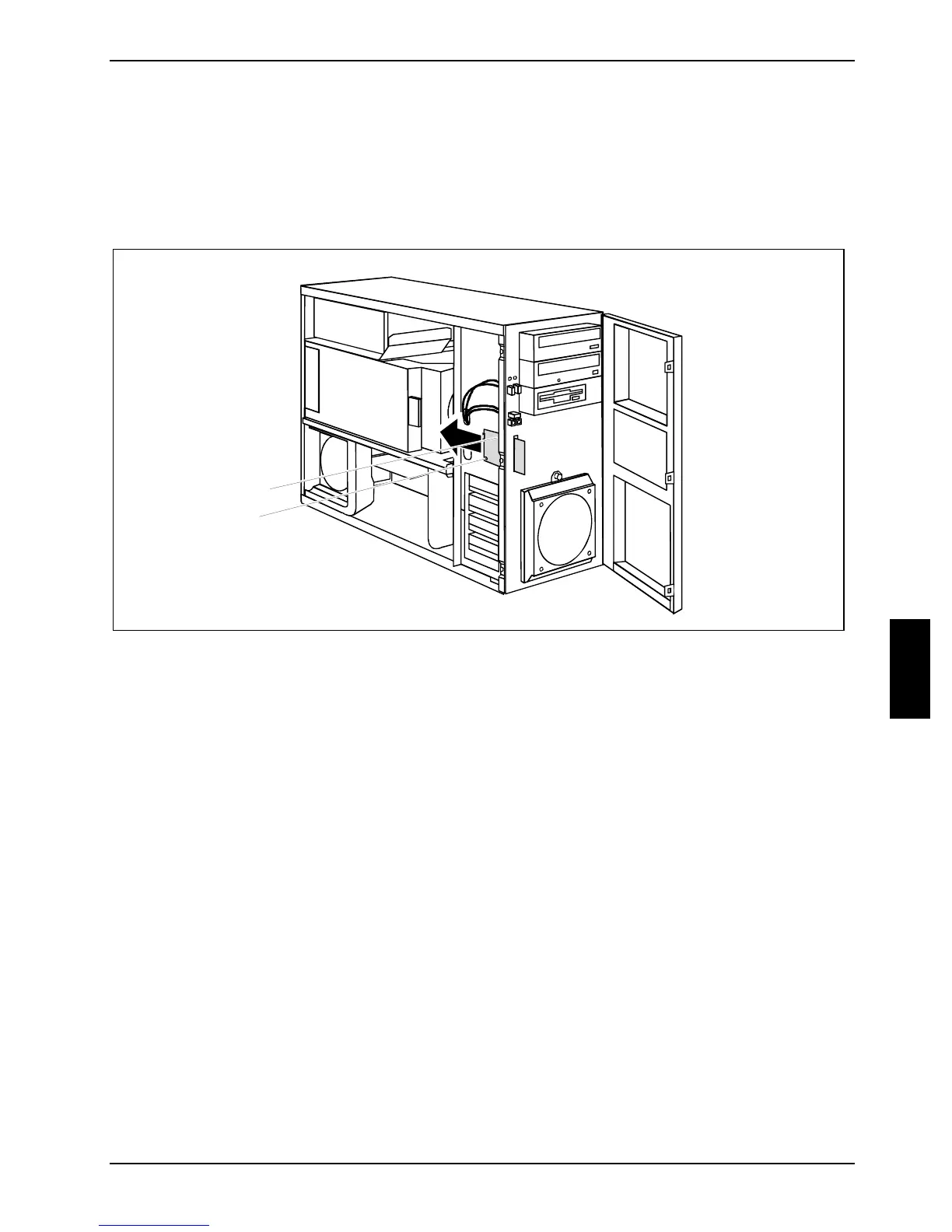
Removing WLAN module
► Open the casing (see "Opening the casing").
► Open the front panel (see "
Opening front panel").
► Detach the USB data cable of the WLAN module from the mainboard (see the manual for the
mainboard).
2
1
1
► Loosen the screws (1).
► Pull the WLAN module out of the bay the direction of the arrow (2).
► Close the front panel (see "
Closing front panel").
► Close the casing (see "
Closing the casing").



 To Next Page