System upgrades
34 A26361-K990-Z120-1-7619, Edition 6
Closing the casing
Variant A (version with knurled screws)
a
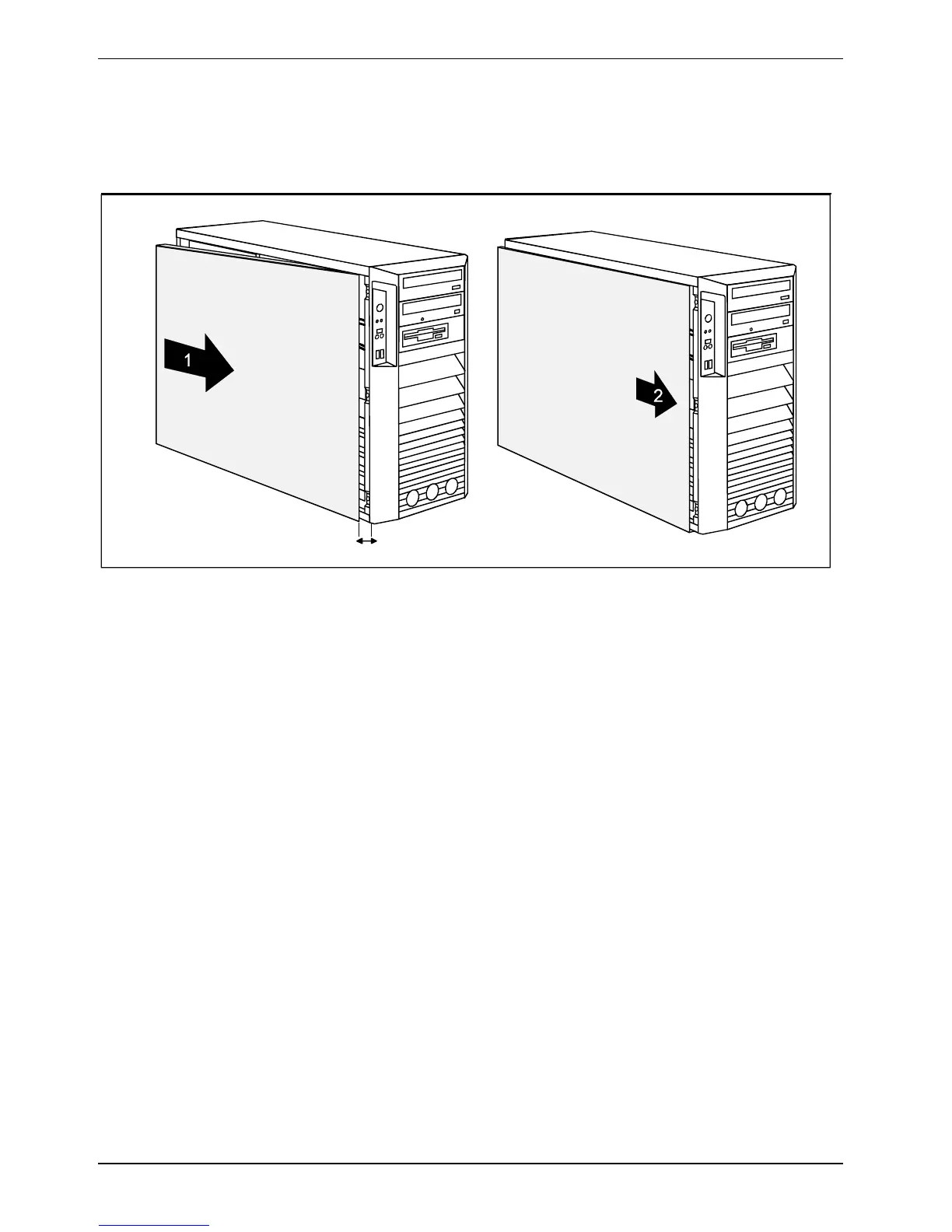
► Hook the side cover into the upper and lower guide rail of the casing in the direction of the
arrow (1).
Make sure that the side cover is offset by approximately 2 cm (a).
► Press the side cover onto the casing.
► Push the side cover as far as it will go in the direction of the arrow (2).



 To Next Page