System upgrades
A26361-K990-Z120-1-7619, Edition 6 33
a
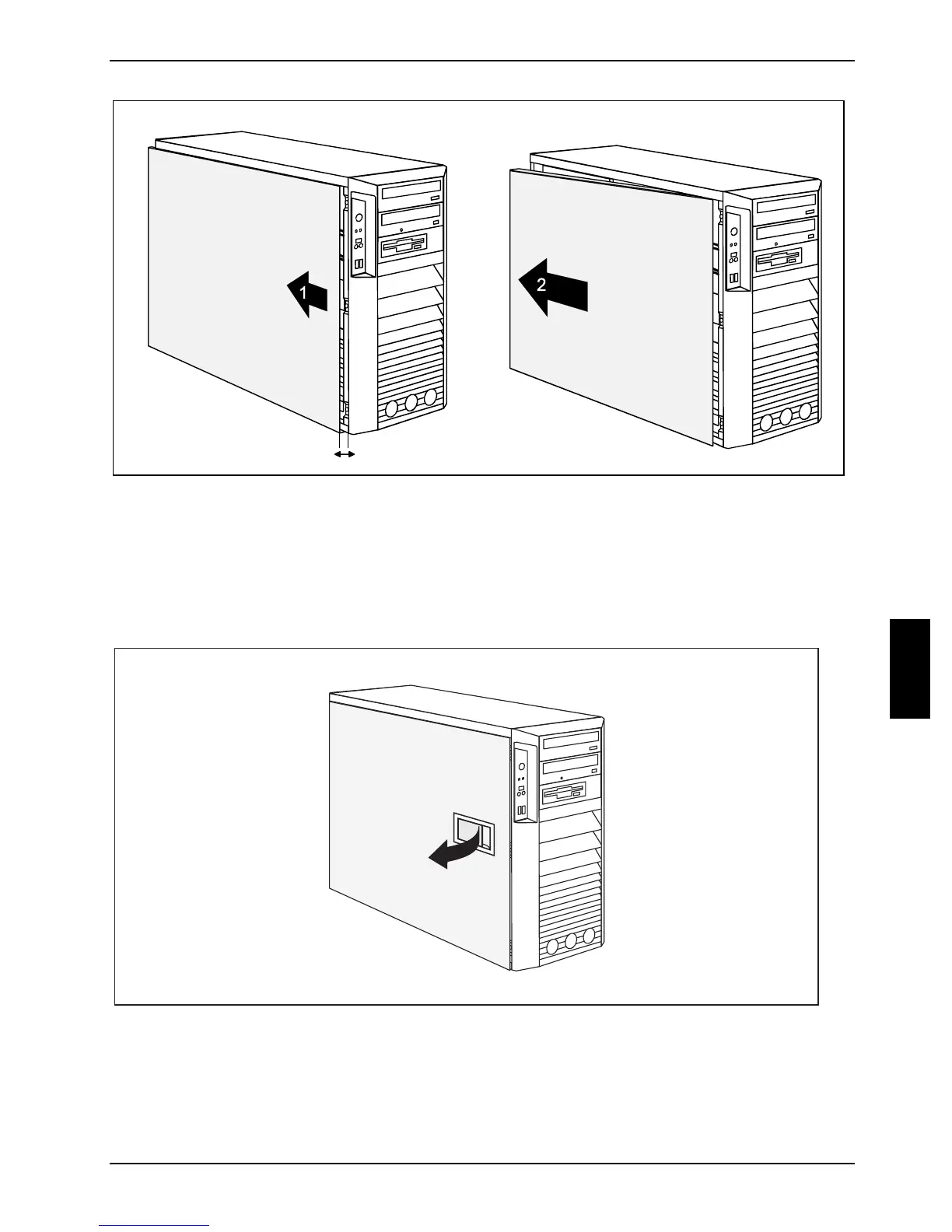
► Slide the side cover approximately 2 cm (a) in the direction of the arrow (1), until the stop.
► Pull the side cover in the direction of the arrow (2) of the casing.
Variant B (version with a locking lever)
► Unscrew the locking bolt for the side cover on the rear panel of the casing.
1
► Pull the locking lever (1).
The side panel is now free and can be detached.



 To Next Page