System upgrades
44 A26361-K990-Z120-1-7619, Edition 6
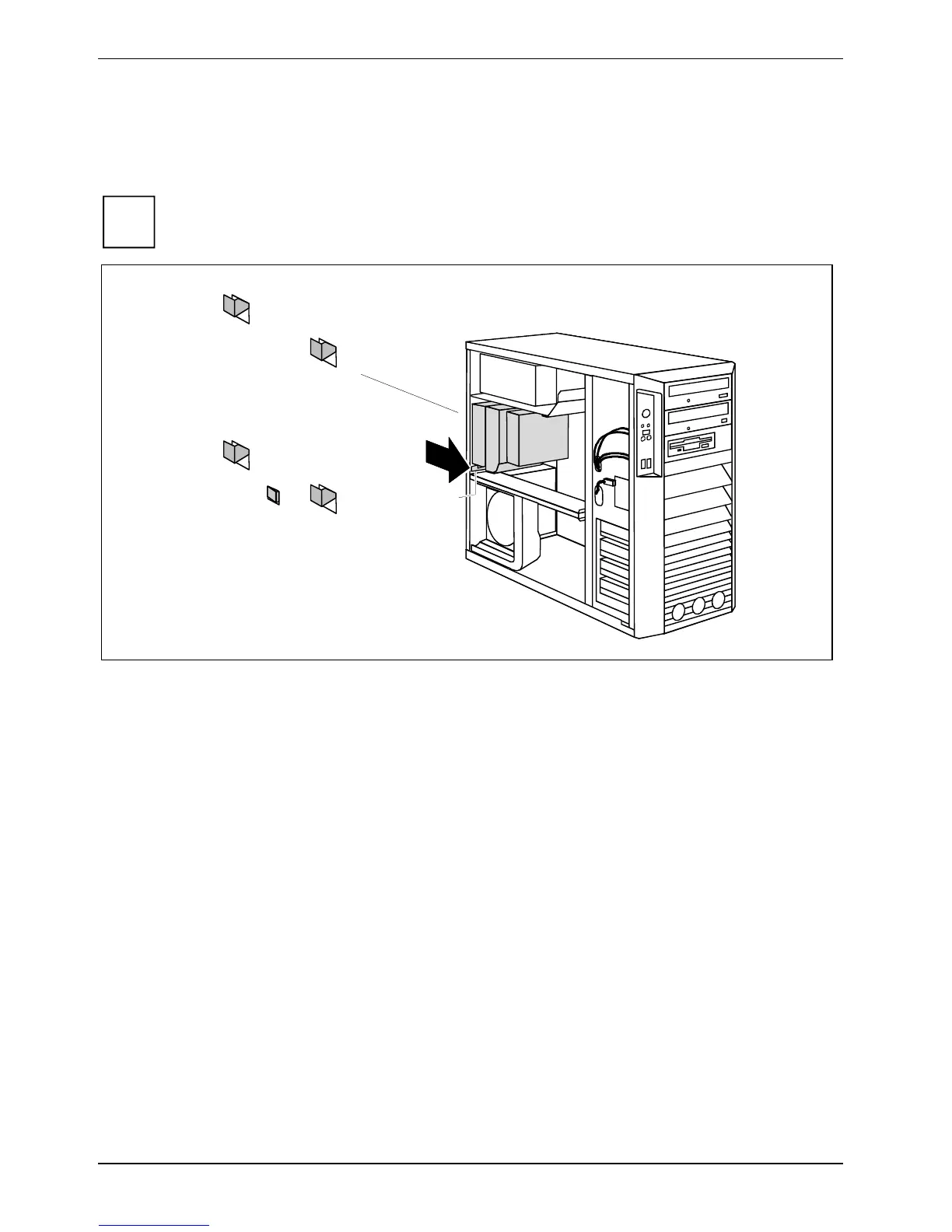
Removing ventilation duct (CELSIUS M)
Before you can upgrade the main memory or the processor, or before you can replace the processor
or the lithium battery, you must remove the ventilation duct.
i
The ventilation duct is permanently connected to the fan.
a
1
1
1
1
1
a
► Press the lever (a) in the direction of the arrow until the lever unhooks.
The hooks (1) on the back of the casing release.
► Carefully unhook the hooks (1).



 To Next Page