System upgrades
52 A26361-K990-Z120-1-7619, Edition 6
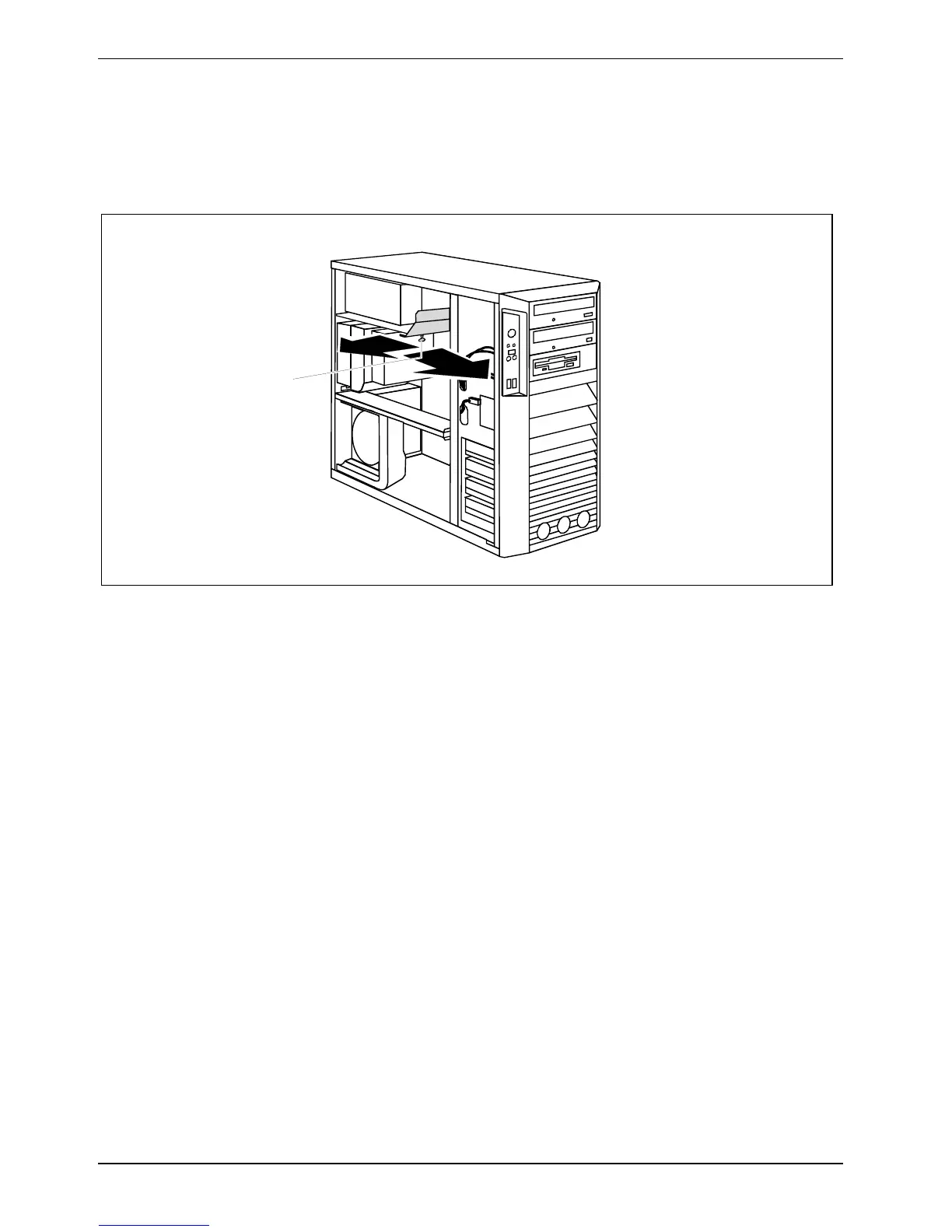
Removing cover of power supply (CELSIUS M)
On the CELSIUS M the connector P11 is located behind the cover of the power supply. When
changing the hard disk equipment, you must remove the cover.
2
1
3
► Unscrew the knurled screw (1).
► Pull the cover a few millimetres in the direction of the arrow (2).
► Lift the cover out of the casing in the direction of the arrow (3).



 To Next Page