Operation
18 A26361-K990-Z120-1-7619, Edition 6
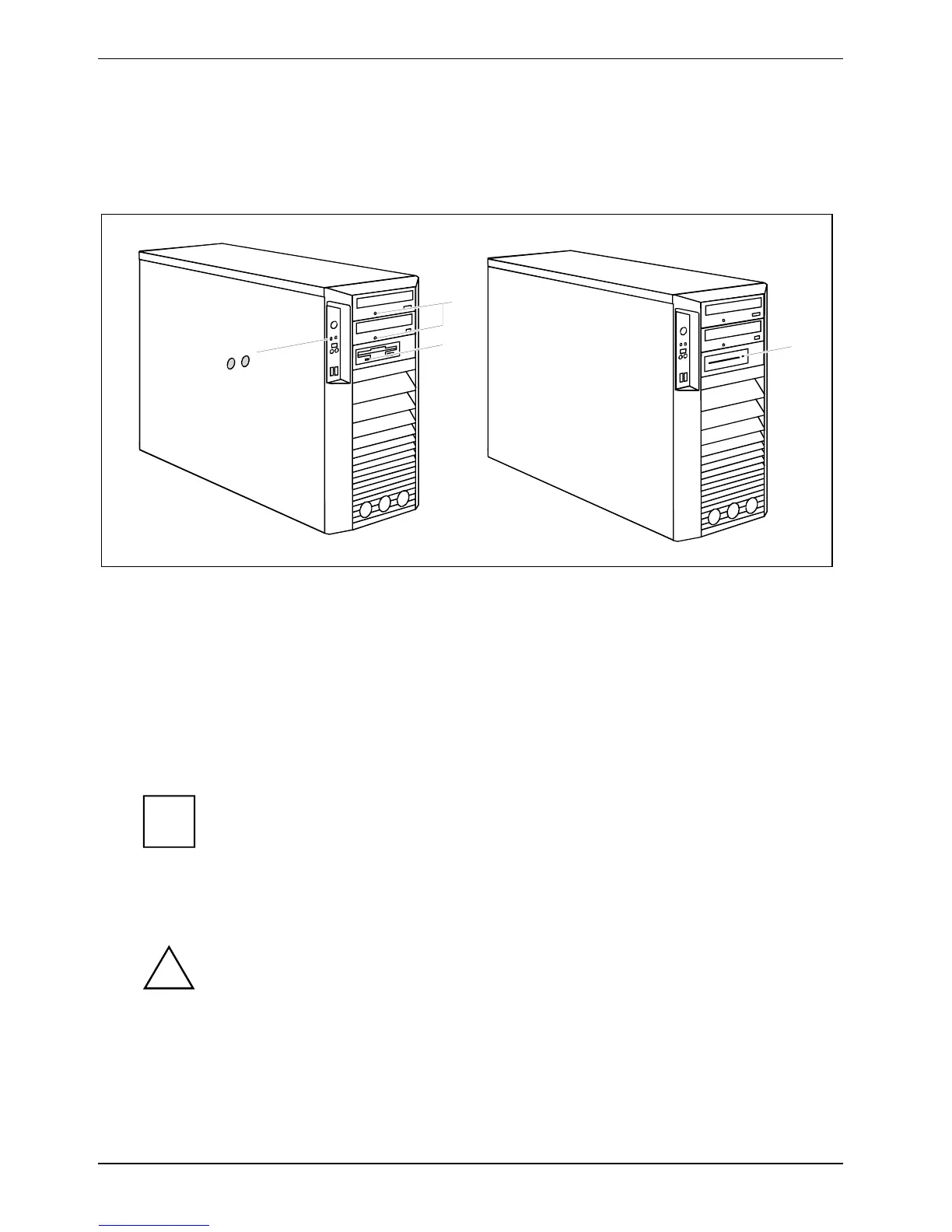
Indicators provided by the device
The indicators are on the front of the casing. Which indicators are available on your device depends
on the configuration level you have selected.
1
2
3
4
5
1 = Hard disk indicator
2 = Power-on indicator
3 = Drive indicator, e.g. DVD
4 = Floppy disk indicator (optional)
5 = SmartCard reader indicator (optional)
Hard disk indicator
The indicator lights up when the hard disk drive of the device is accessed.
Power-on indicator
● The indicator lights up green:
The device is switched on.
i
The display can also light up green if the device has been switched off by
holding the ON/OFF switch (see "
Troubleshooting and tips").
● The indicator lights up orange:
The device is ready-to-operate or in energy-saving mode. After being switched on with the
power button, the device switches on or returns to the state it was in before the energy-saving
mode.
!
In the energy-saving mode the device may not be disconnected from the mains
supply, as this may otherwise result in data loss.
● The indicator does not light up:
The device is switched off.



 To Next Page