System upgrades
70 A26361-K990-Z120-1-7619, Edition 6
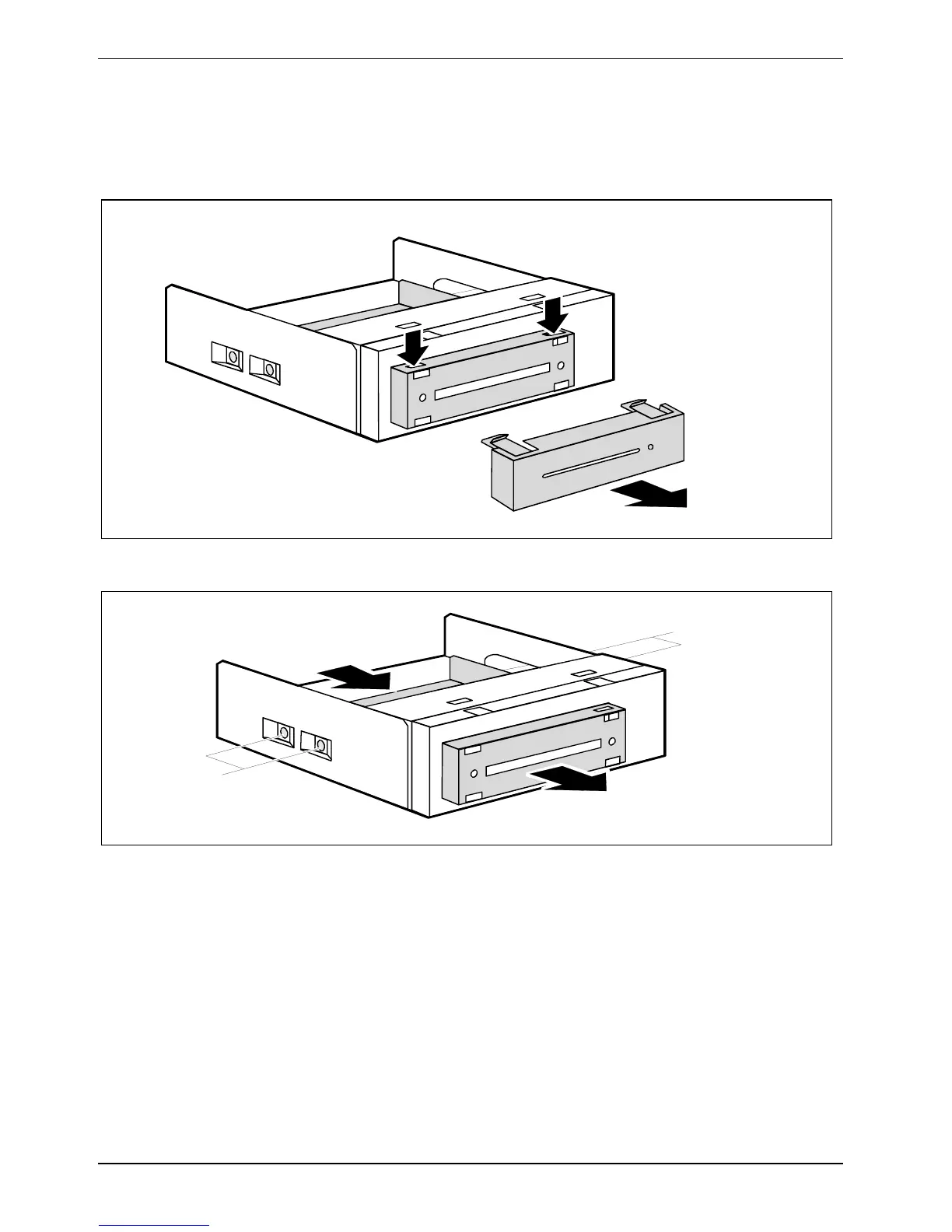
Removing a SmartCard reader
► Remove the insert with the SmartCard reader (see "Removing an accessible drive").
2
1
1
► Detach the locking mechanisms (1) and remove the bezel (2).
1
1
2
2
► Remove the screws on both sides of the slide-in module (1).
► Pull the SmartCard reader out of the slide-in module (2).



 To Next Page