System upgrades
A26361-K990-Z120-1-7619, Edition 6 45
1
2
1
1
2
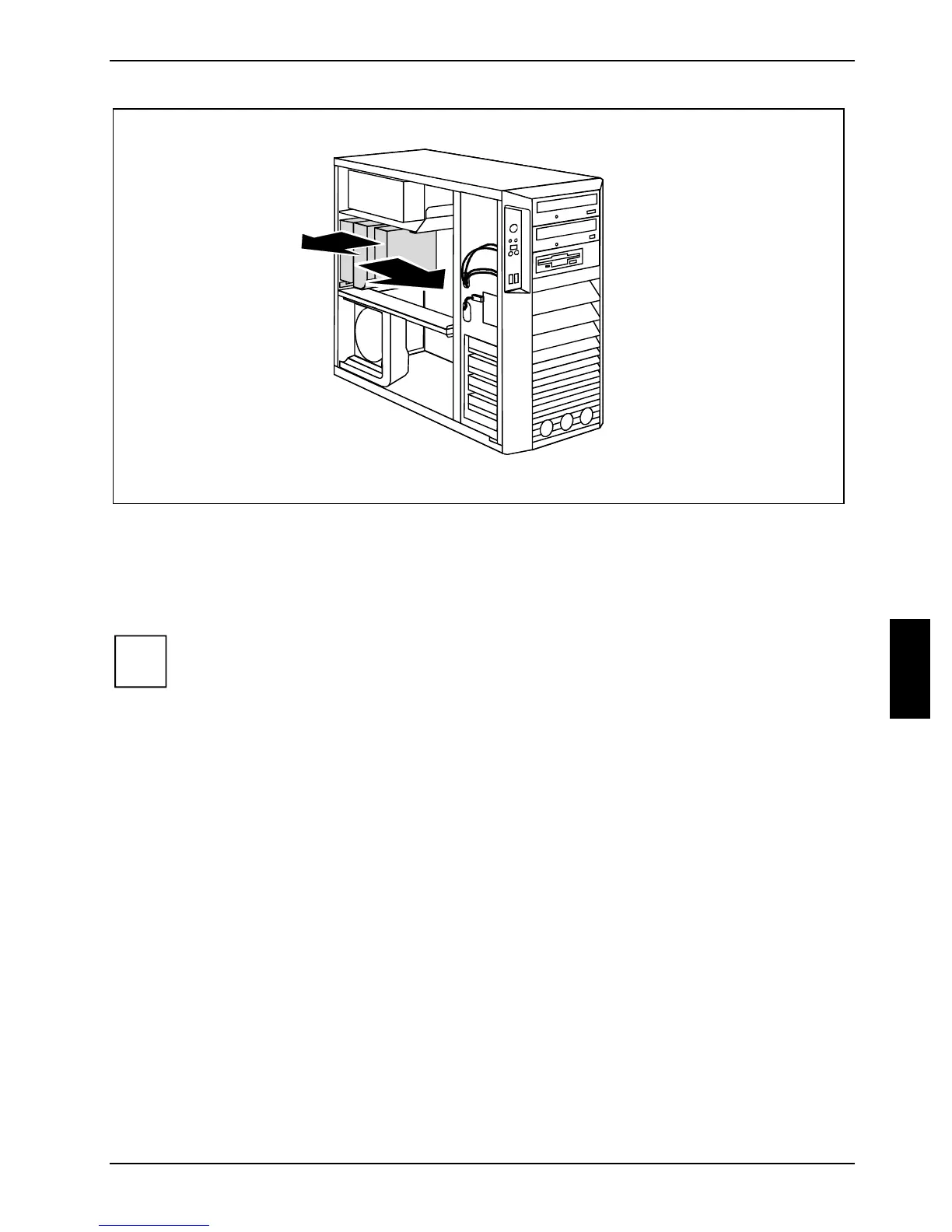
► Pull the ventilation duct and the fan a few millimetres in the direction of the arrow (1) to release
the hooks at the back of the casing.
► Remove the ventilation duct and the fan from the casing in the direction of the arrow (2).
► Disconnect the cable of the fan from the mainboard.
i
When removing the ventilation duct, be careful not to damage the processor cooler(s) on
the mainboard.



 To Next Page