System upgrades
62 A26361-K990-Z120-1-7619, Edition 6
2
2
1
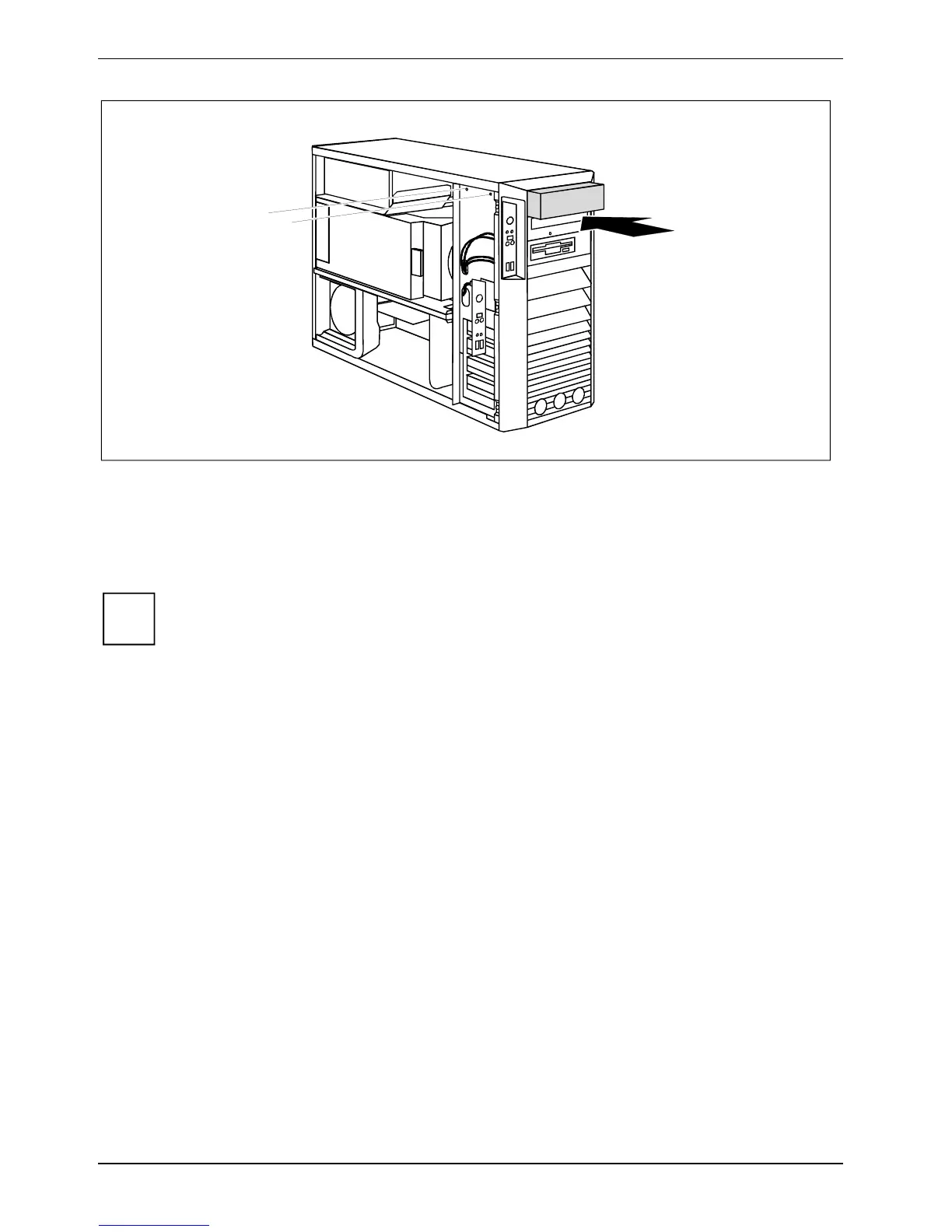
► If you are not installing a new drive, slide the empty slide-in insert into the casing until it
noticeably engages.
► Secure the empty slide-in module with the screws (2).
► Close the casing (see "
Closing the casing").
i
It may be necessary to modify the entry for the remaining drives in the
BIOS Setup.



 To Next Page