System expansions
Installing the WLAN module
2
2
1
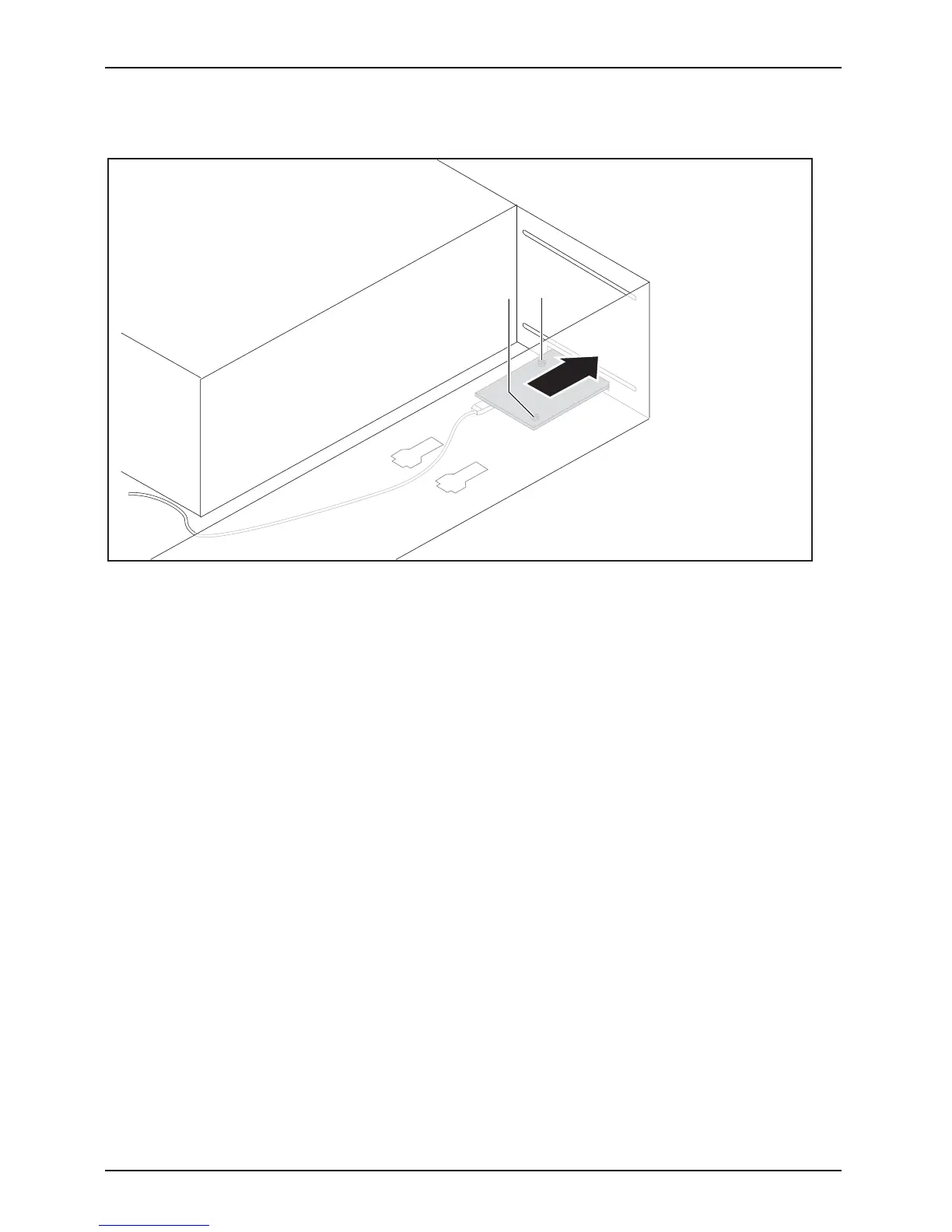
► Slide the WLAN module into the slot in the direction of the a rrow (1). Ensure that the screw
holes on the casing and those on the WLAN module are precisely aligned over one another.
► Secure the WLAN m odu le with the screws (2).
► Attach the cables to the WLAN module a nd m ainboard.
46 Fujitsu Technology Solutions














 To Next Page