34
Unlocking a Secure MO disk
Insert Secure MO disk
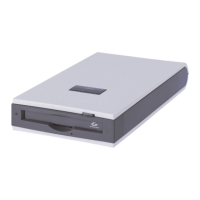
1. Insert Secure MO disk in Secure MO drive.
2. Start SecureMO Light28.
Enter the password
1. Enter the password. The entered password is
displayed by the asterisk (
*
).
2. Click the [Unlock] button. The illustration in the [Disk
Status] field changes when the entered password is
correct.










 To Next Page