fi-5120C / fi-5220C Image Scanner Operator
Guide
TROUBLE SHOOTING
CONTENTS MAP
TOP
6.1 Removing Jammed Documents (3)
1 2
3
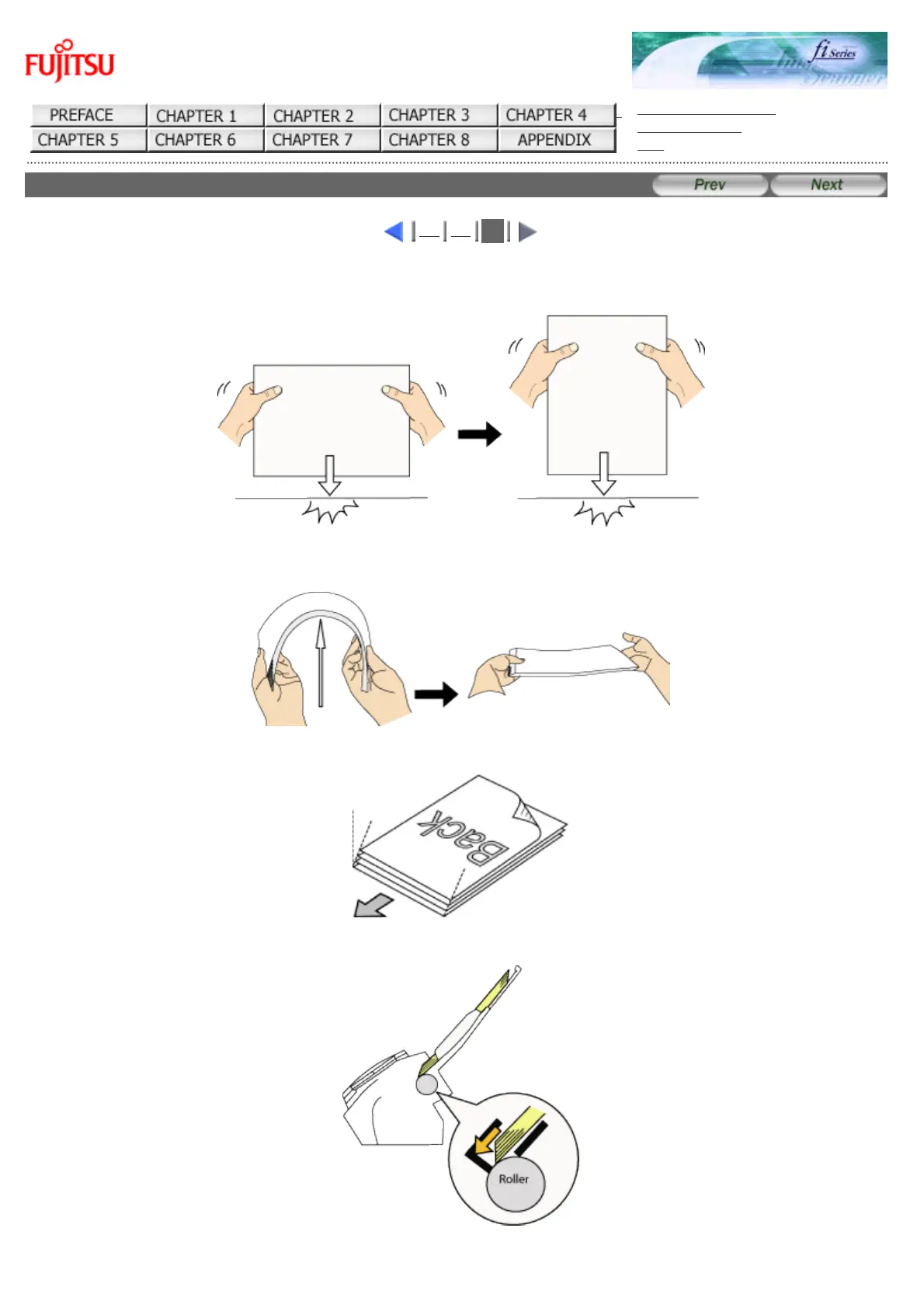
If a document jam or Multi Feed errors occur frequenlty, follow the procedures below .
1. Align the edges of the document sheets.
2. Hold both the left and right sides of the document with both hands, and, as shown below, bend the
document, bring back and release one side of the stack.
3. The document edges will be slightly misaligned, as shown in the picture.
4. Load the documents into the ADF chute, as shown in the picture.



 To Next Page
 Loading...






