fi-5120C / fi-5220C Image Scanner Operator
Guide
TROUBLE SHOOTING
CONTENTS MAP
TOP
2.3 Loading Documents on the Flatbed for
Scanning
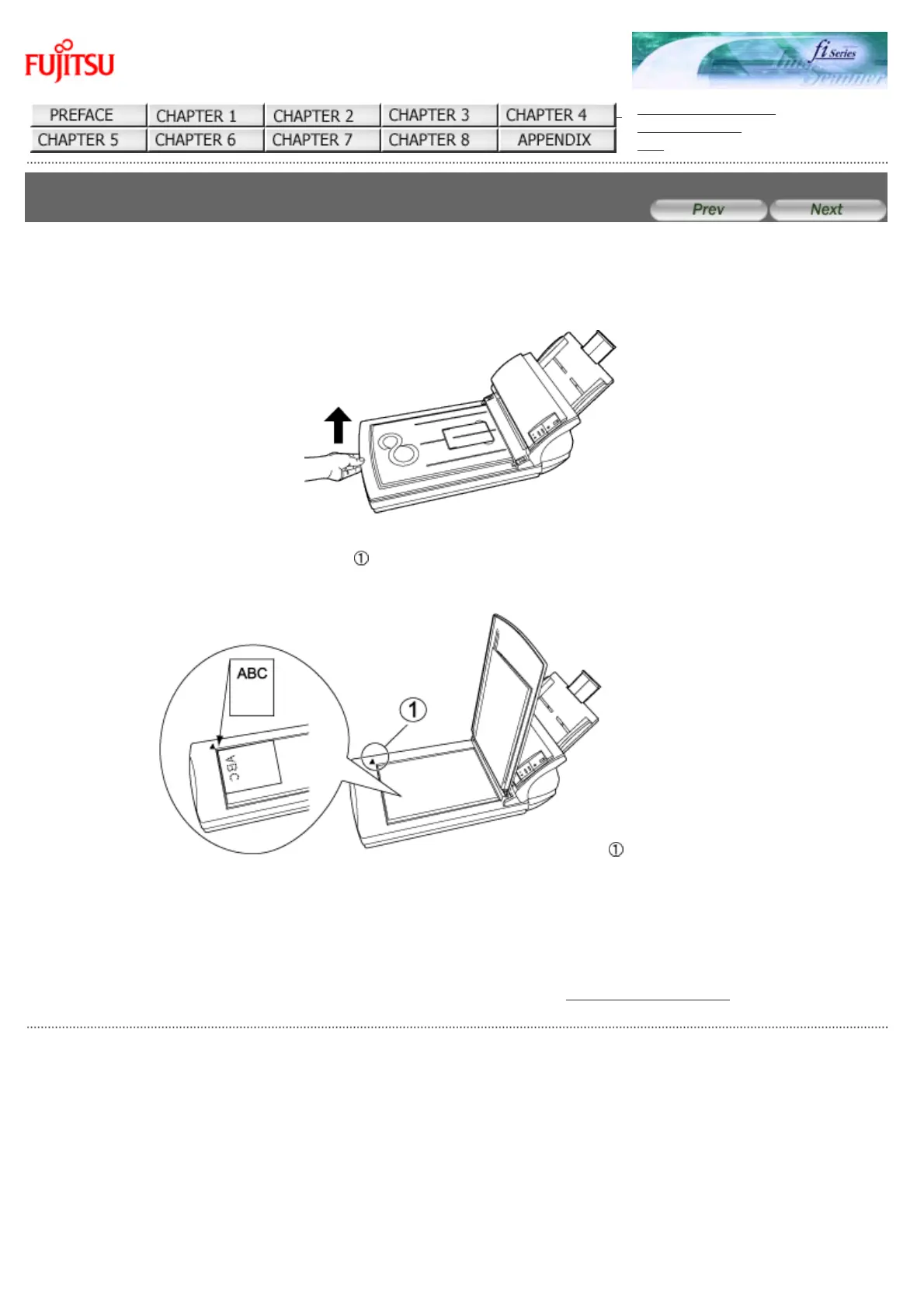
1. Lift up the document cover.
2. Load the document on the document bed with the scanning face down and the top left corner
aligned with the reference point (
).
: Reference Point
3. Gently close the document cover.
4. Start up the scanner application, and scan the document.
For details on how to scan documents using the ScandAll 21 application, see "2.4 Scanning Documents".
All Rights Reserved Copyright 2006-2009 © PFU LIMITED










 To Next Page