fi-5120C / fi-5220C Image Scanner Operator
Guide
TROUBLE SHOOTING
CONTENTS MAP
TOP
2.1 Turning the Scanner ON (5)
1 2 3 4
5
6
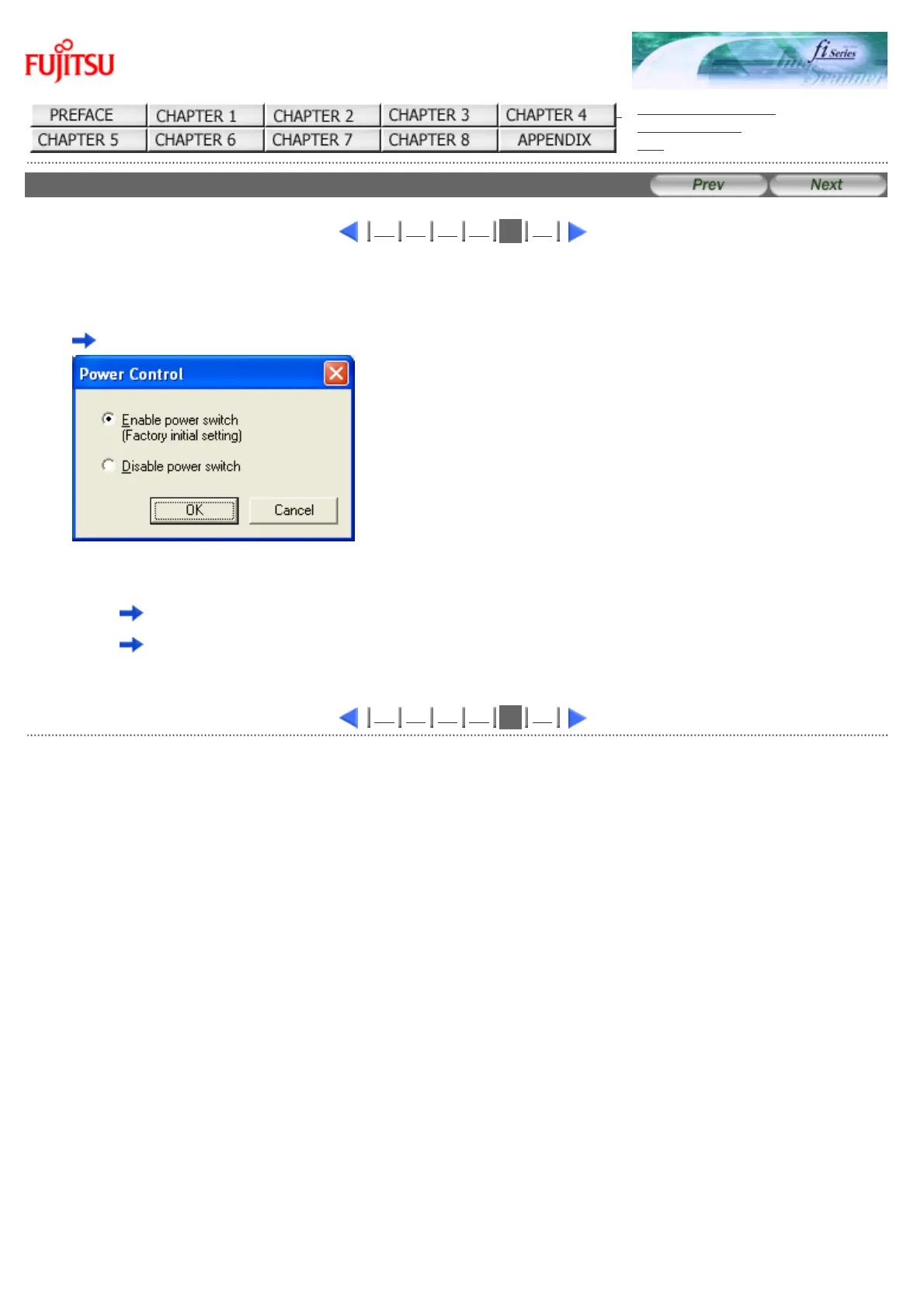
2. Click [Power Control] button
The following screen is displayed.
3. Select a power ON/OFF control
● To power on/off the scanner by pressing the Power button:
select "Enable power switch".
● To power on/off the scanner by connecting/disconnecting the AC cable:
select "Disable power switch".
1 2 3 4
5
6
All Rights Reserved Copyright 2006-2009 © PFU LIMITED



 To Next Page
 Loading...






