fi-5120C / fi-5220C Image Scanner Operator
Guide
TROUBLE SHOOTING
CONTENTS MAP
TOP
2.5 How to Use the Scanner Driver (13)
1 2 3 4 5 6 7 8 9 10 11 12
13
14 15
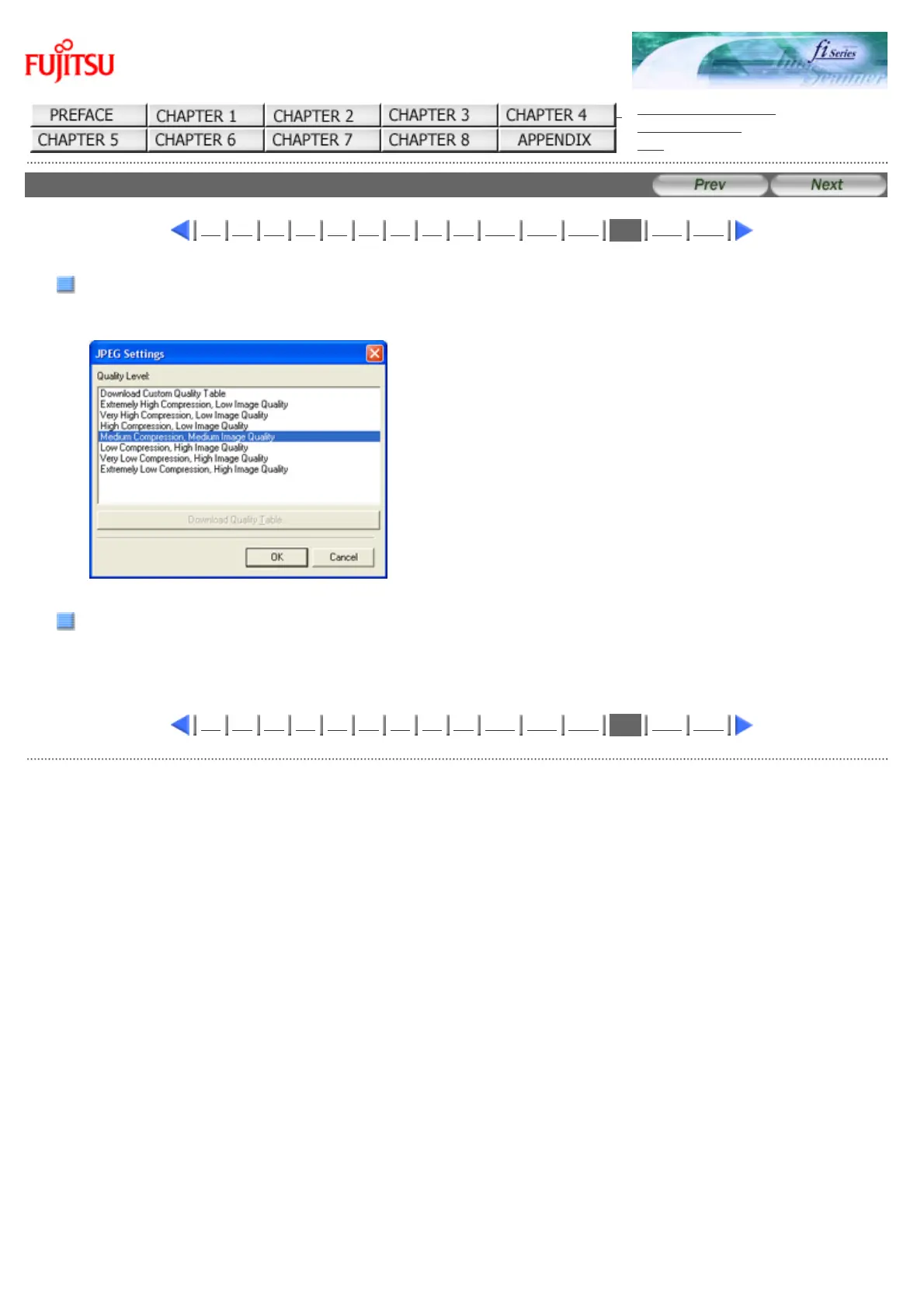
[JPEG...] button
Opens the JPEG Settings dialog box. Used for setting the compression rate of JPEG transfer.
[About...] button
This button displays the version information.
1 2 3 4 5 6 7 8 9 10 11 12
13
14 15
All Rights Reserved Copyright 2006-2009 © PFU LIMITED



 To Next Page
 Loading...






